Professional USB microscope · Education
USB Microscope for STEM Classrooms, Labs and Universities
A portable digital microscope workflow for shared screens, lab activities, visual demonstrations, and student reports.
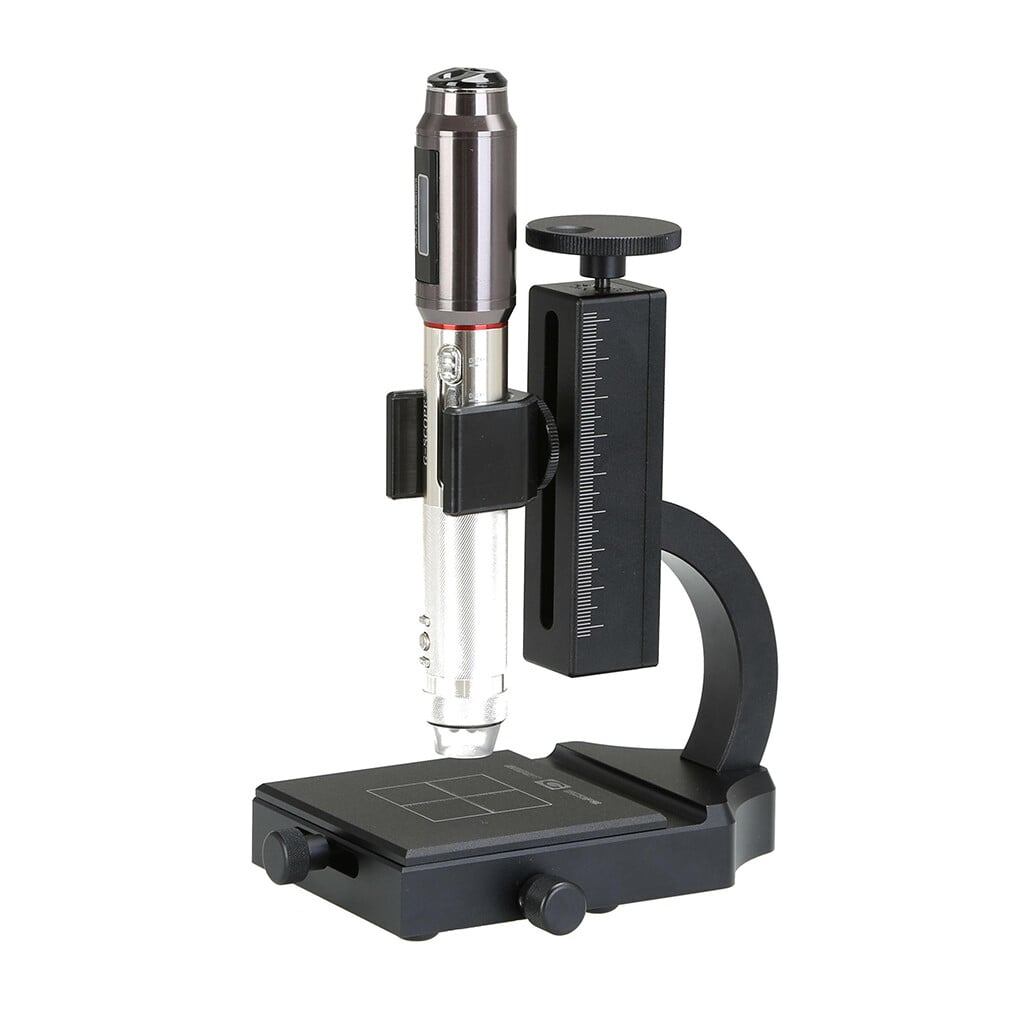
- Four quick magnification levels40x, 100x, 180x and 250x with the general inspection end-cap
- 3Pi narrow-tip end-cap100x access to small or recessed areas that remain in direct line of sight
- Quality optics, autofocus + Full HDCorning® Varioptic® liquid lens, photos and 30fps video
- Professional European supportShips from Spain with a two-year warranty
Overview
Science education is greatly enriched by direct sample observation. Smart G-Scope enables educational institutions from primary school to university, to bring microscopy to students in an affordable and simple way.
Its USB connection and compatibility with computers and tablets make it easy to project images in real time, turning each lab into a collective and interactive experience. Students can capture their own images and produce visual reports.
In teaching research, the device supports low-budget projects that require visual documentation of biological, geological, or material samples, democratizing access to tools once limited to specialized laboratories.
See it in action
Capture. Measure. Document.
See G-Scope Desktop move from a microscope image to measurements, annotations and a report. Start with the free software for compatible USB and Wi-Fi microscopes.
Download G-Scope Desktop for free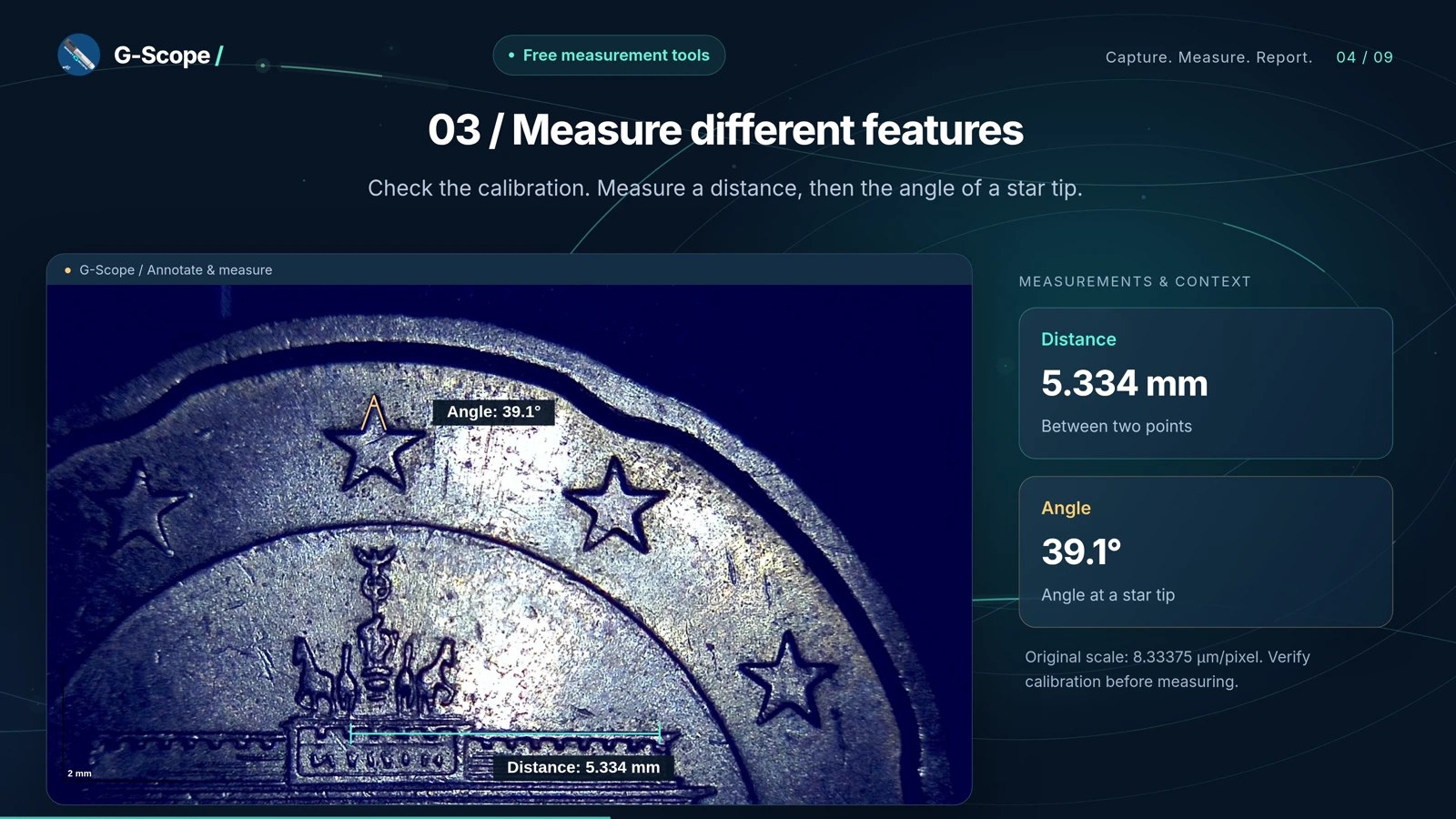
Recommended Smart G-Scope setup
- Use a basic or precision stand depending on whether students need portability or repeatable sample positioning.
- Connect to a computer or compatible Android device for live viewing and image capture.
- Prepare simple sample stations for biology, geology, printed materials, textiles, and electronics.
What you can observe
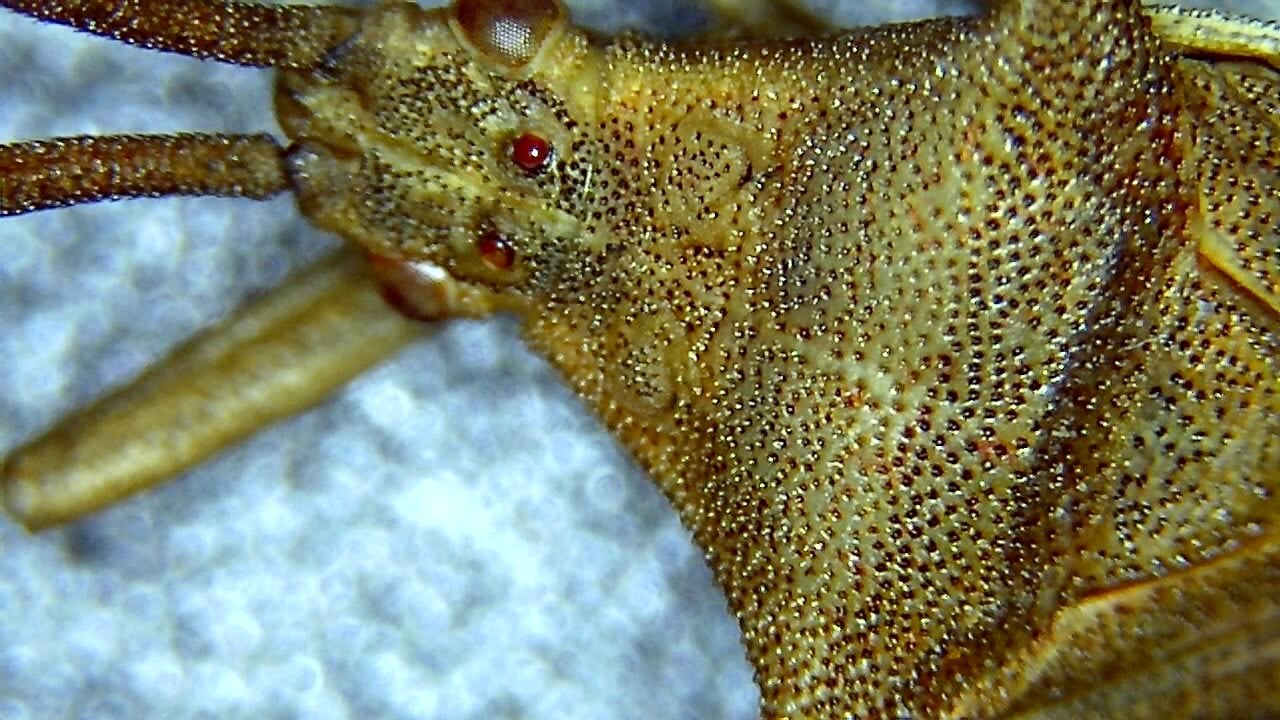
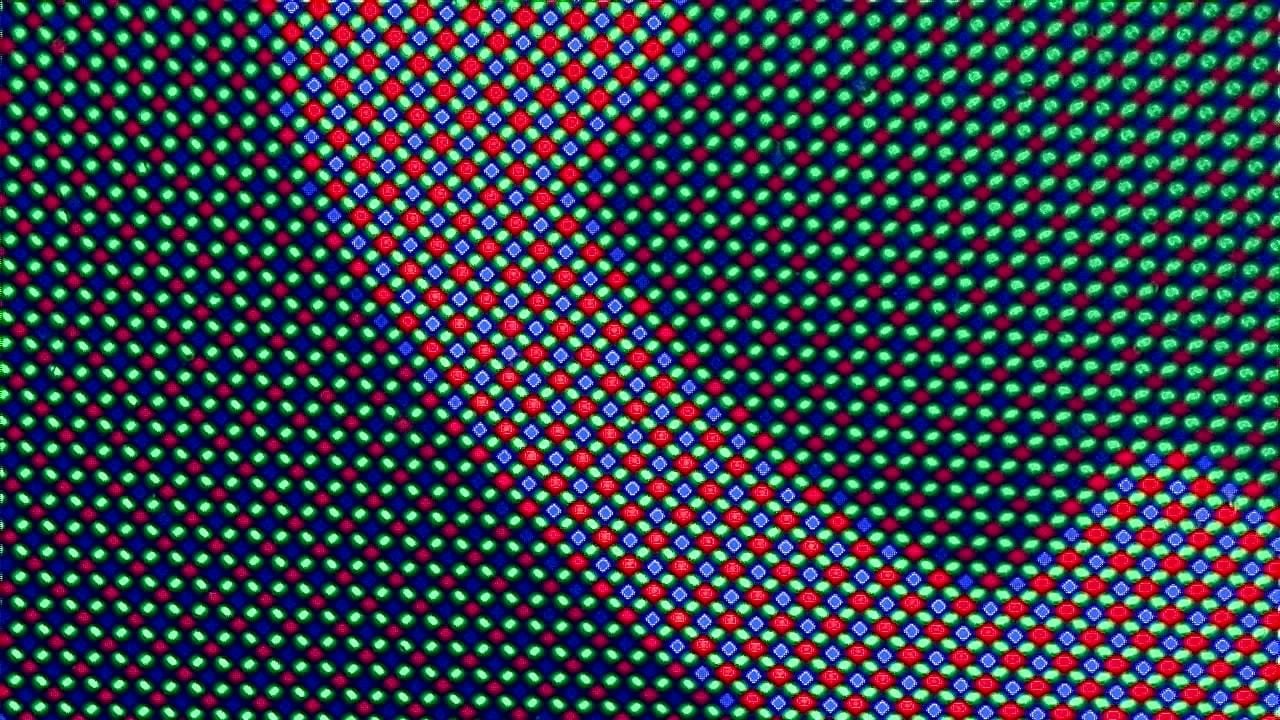
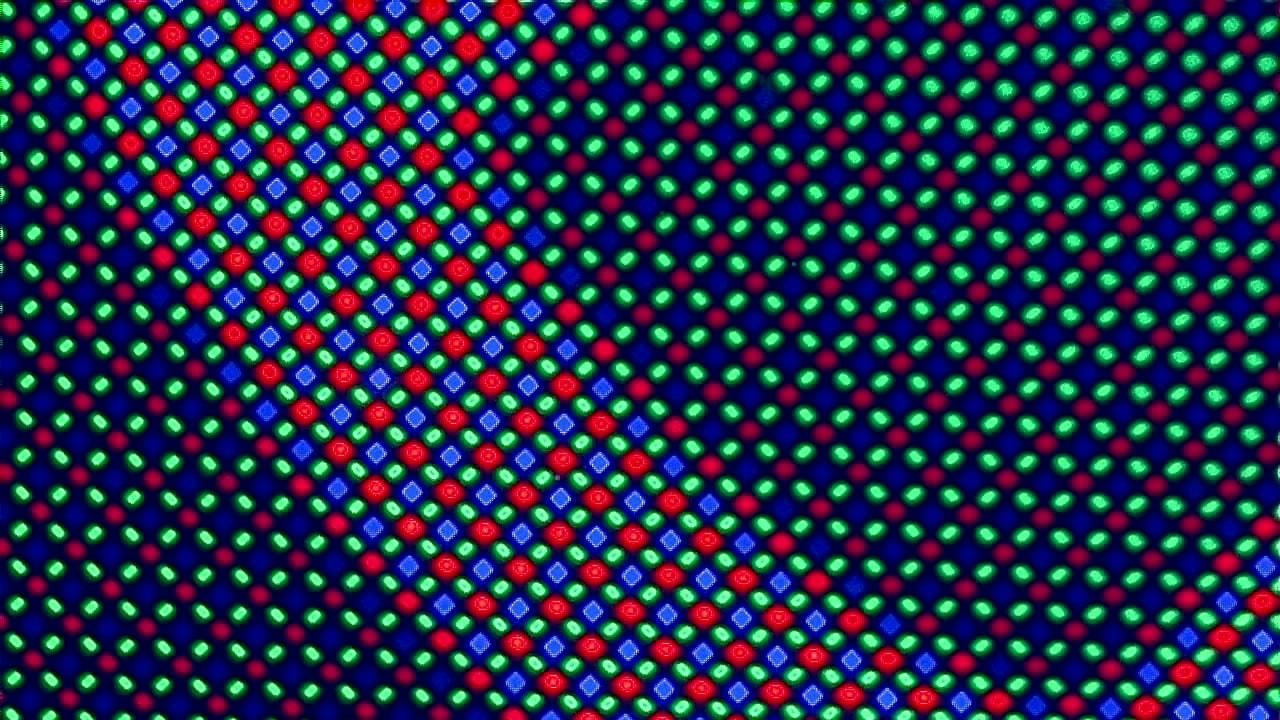
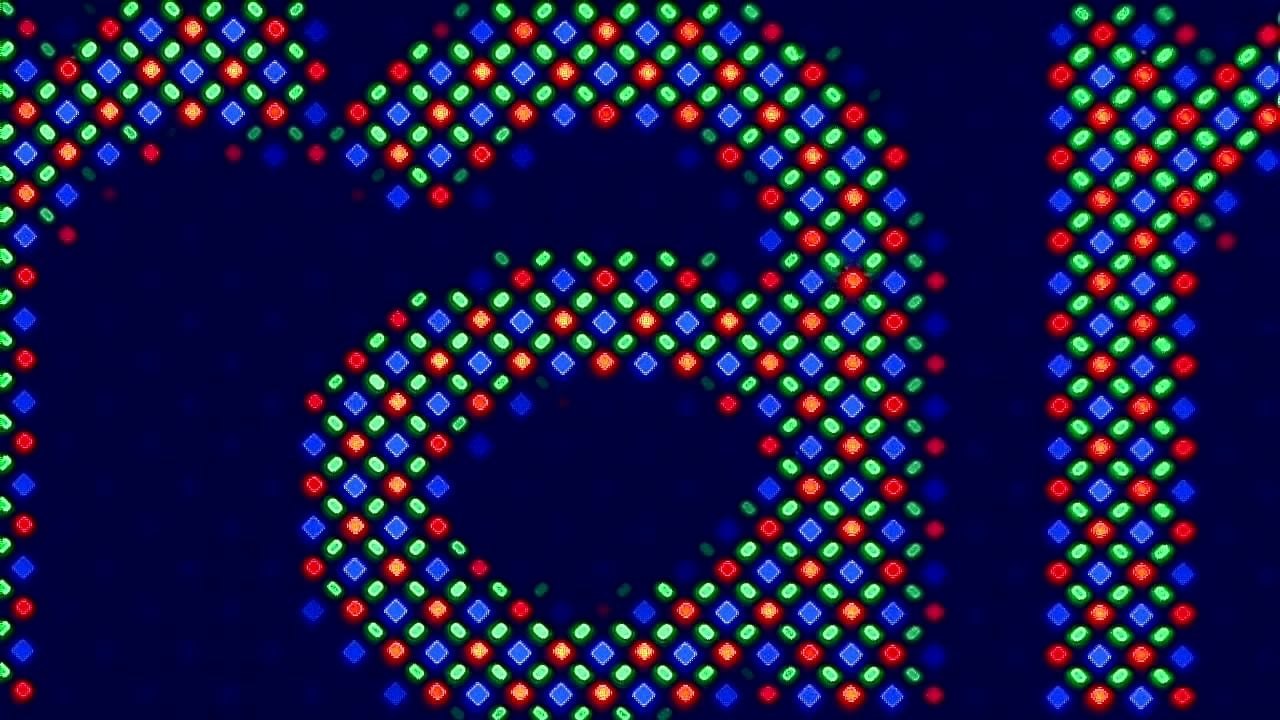
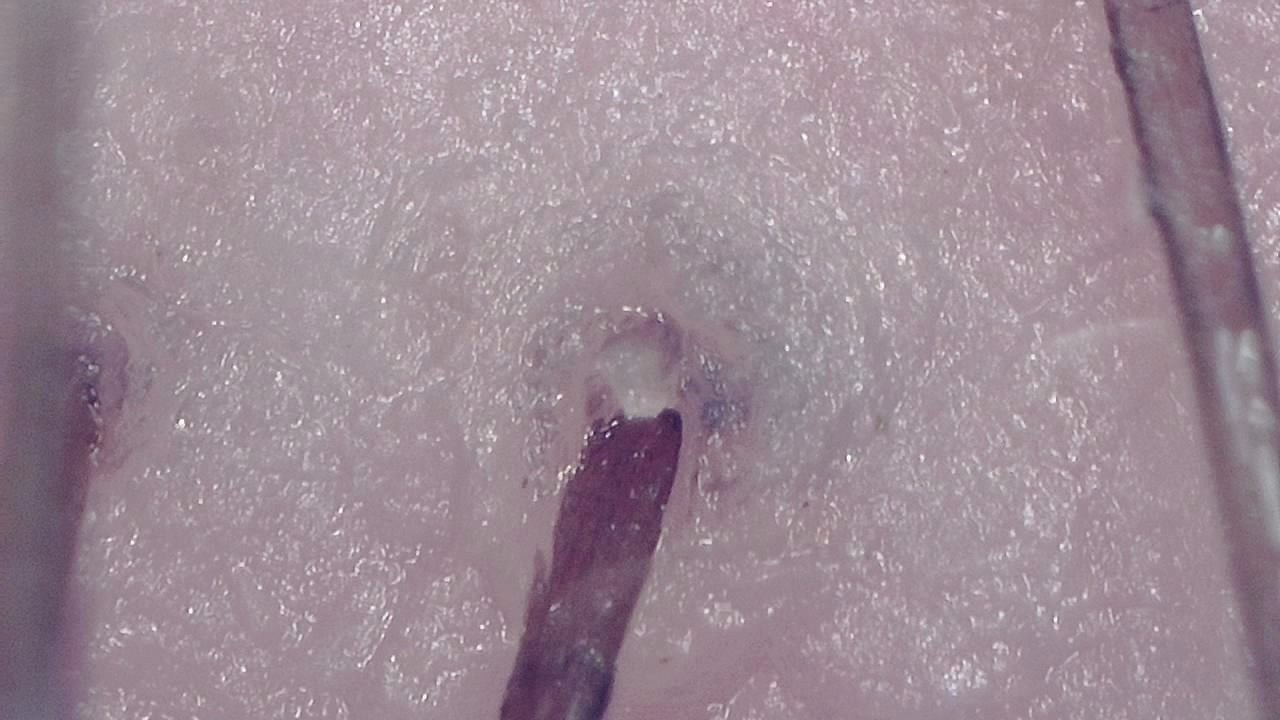
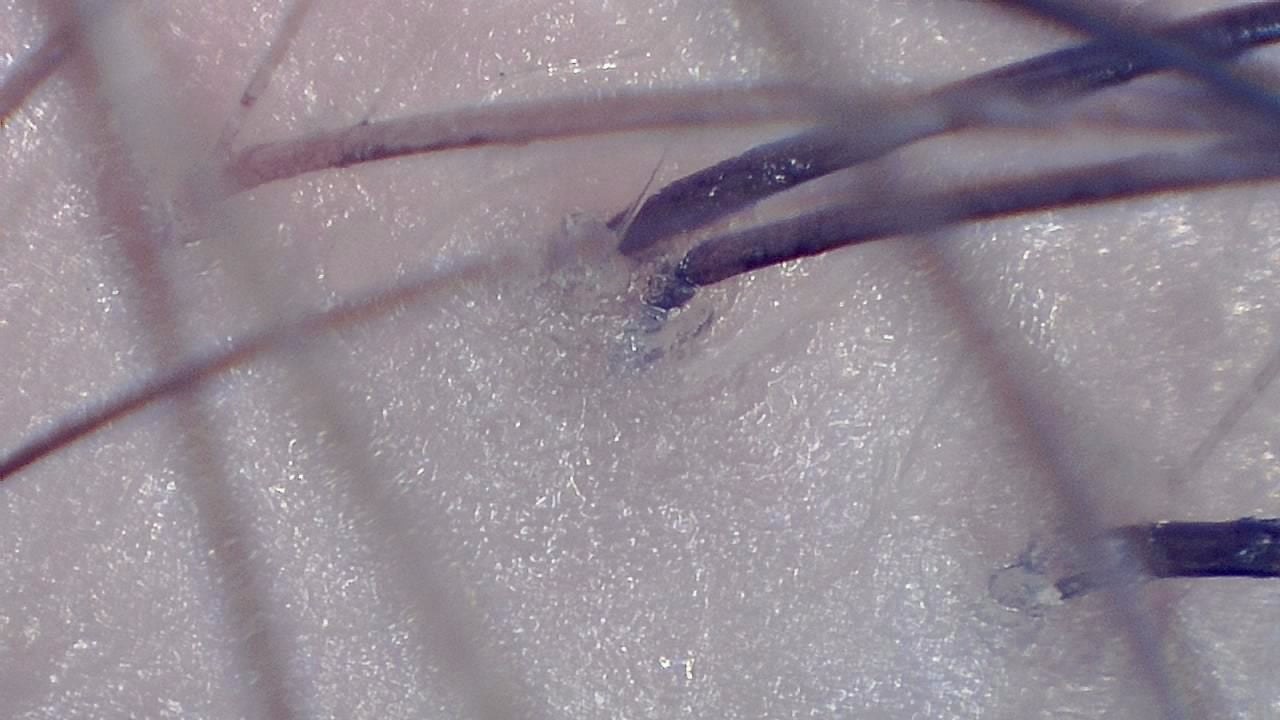
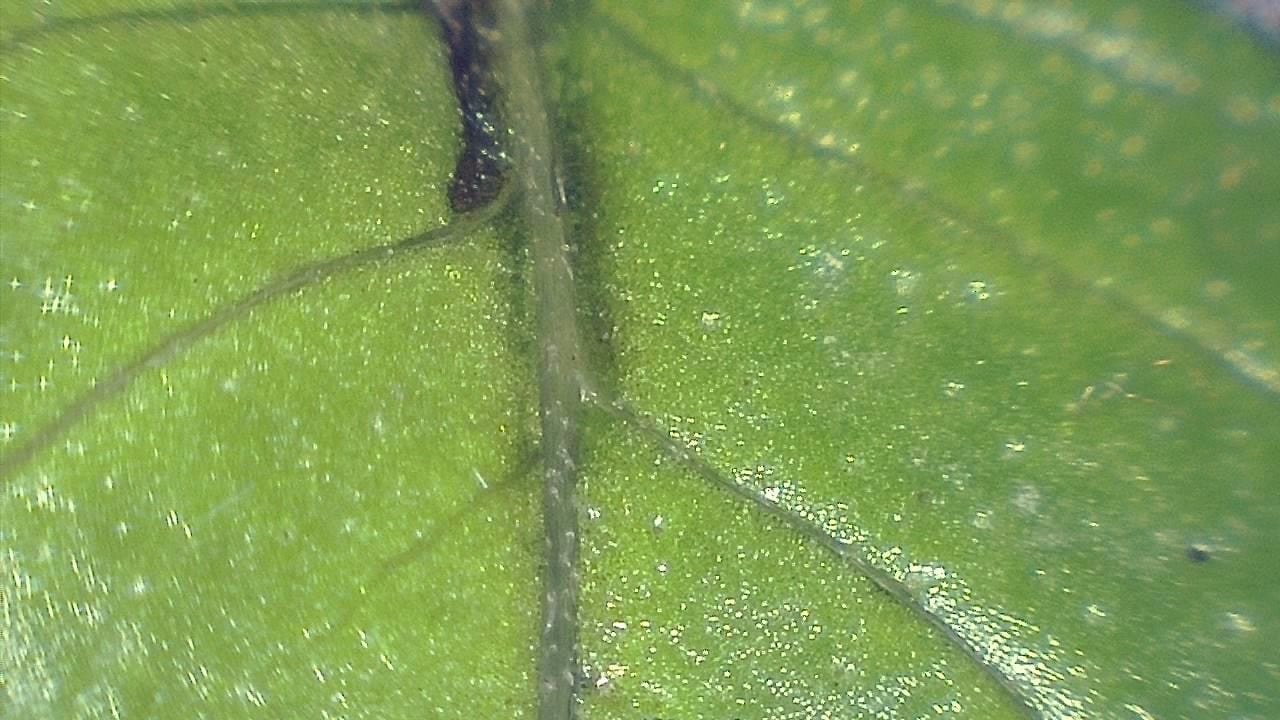
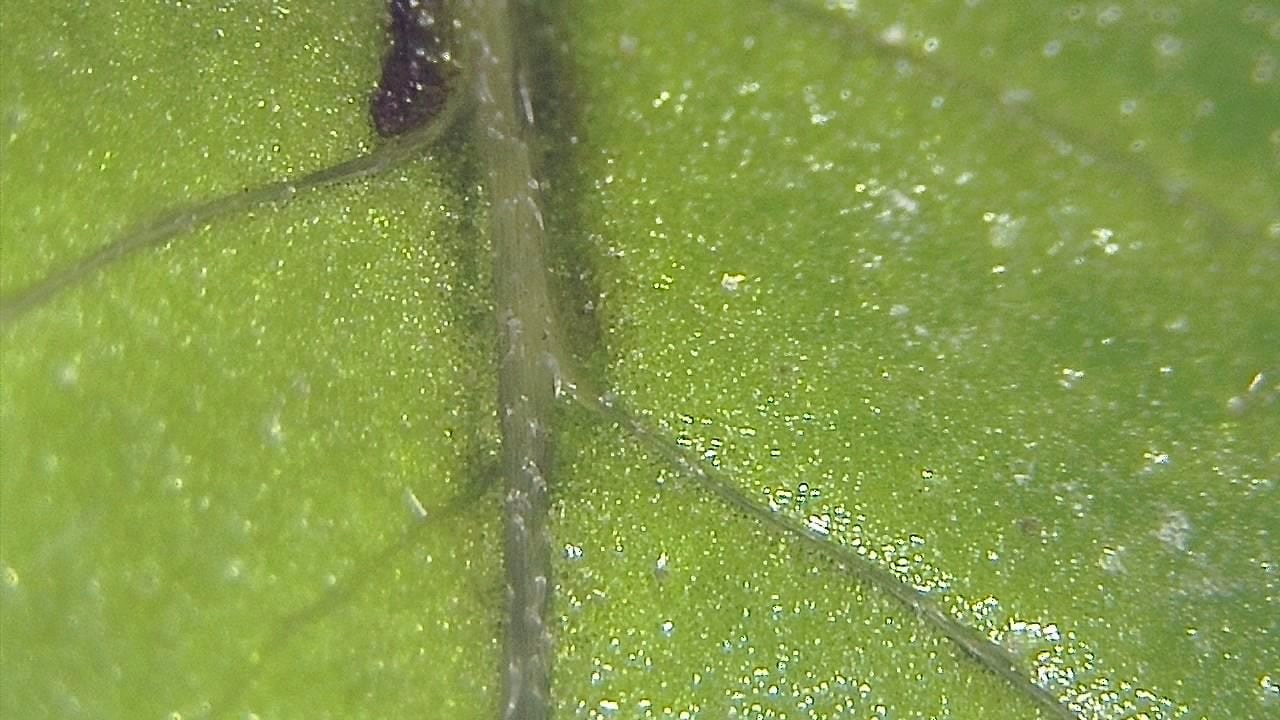
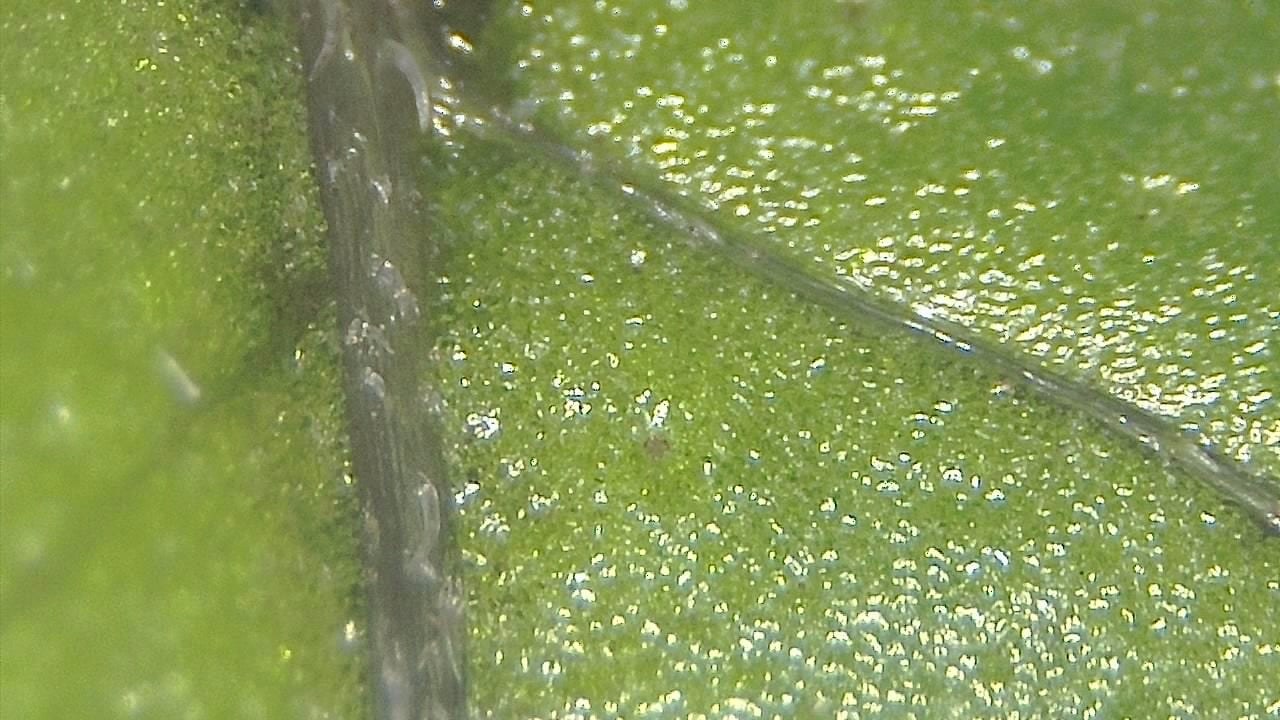
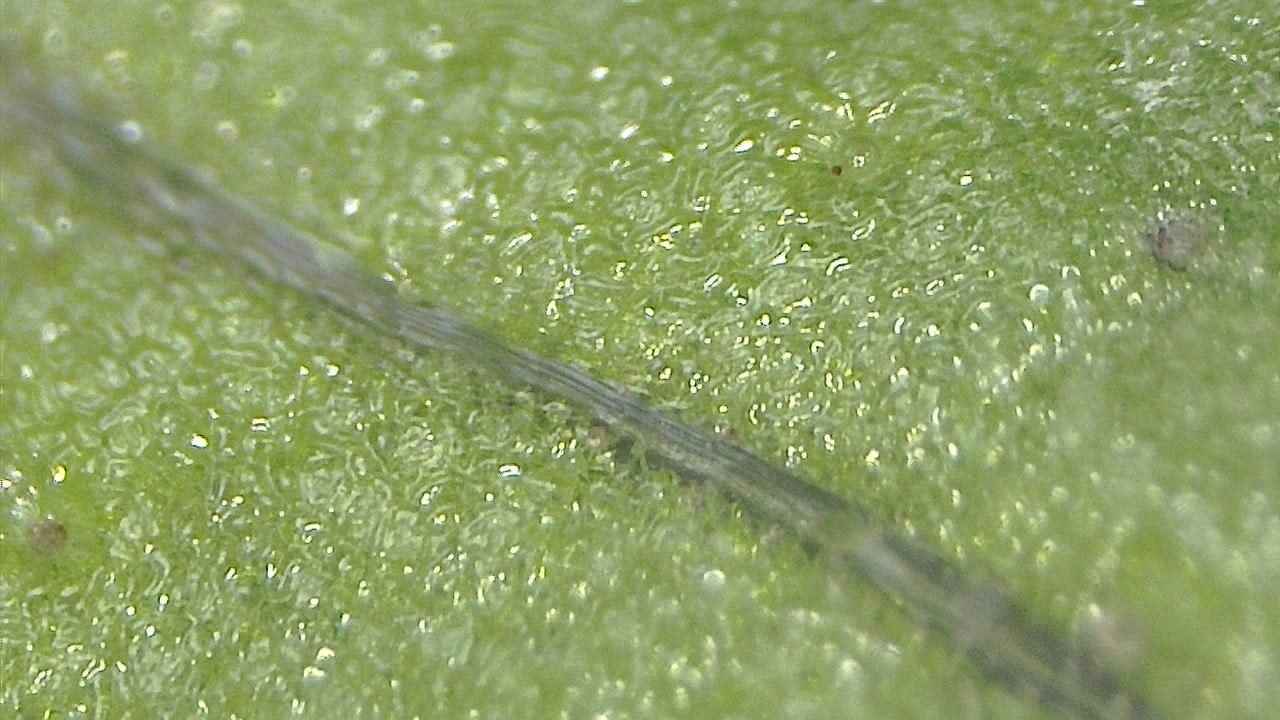
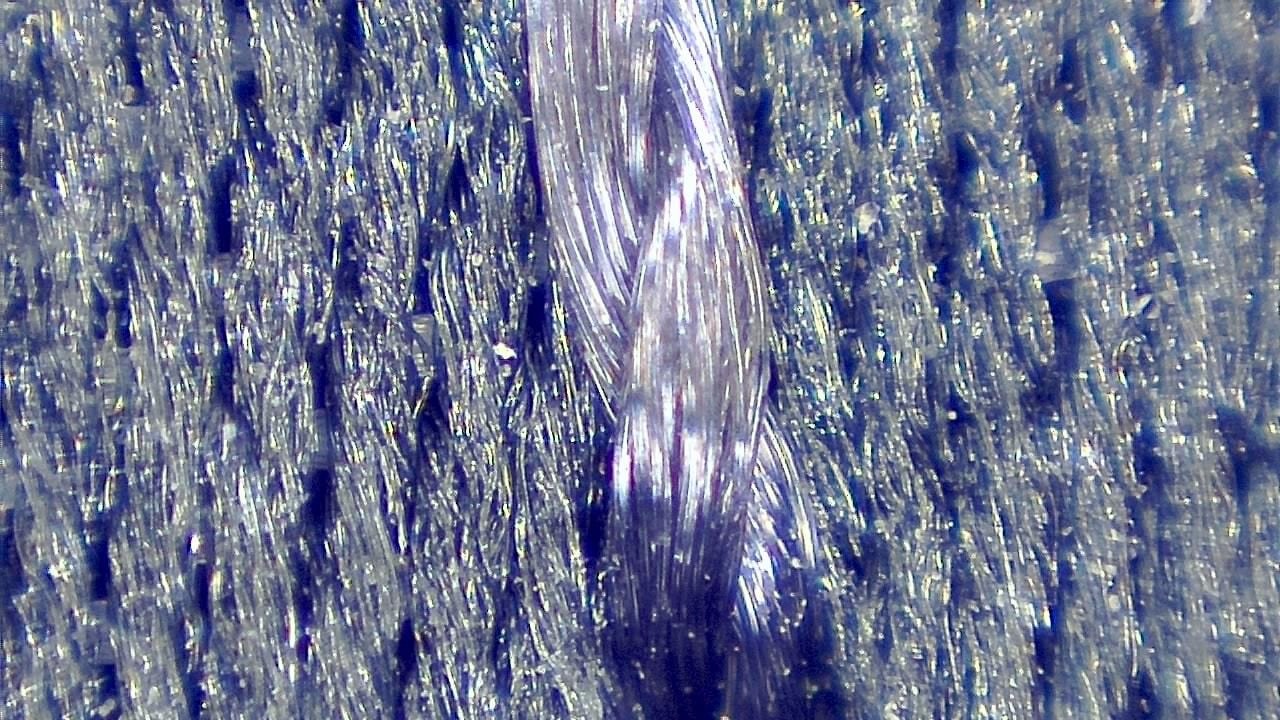
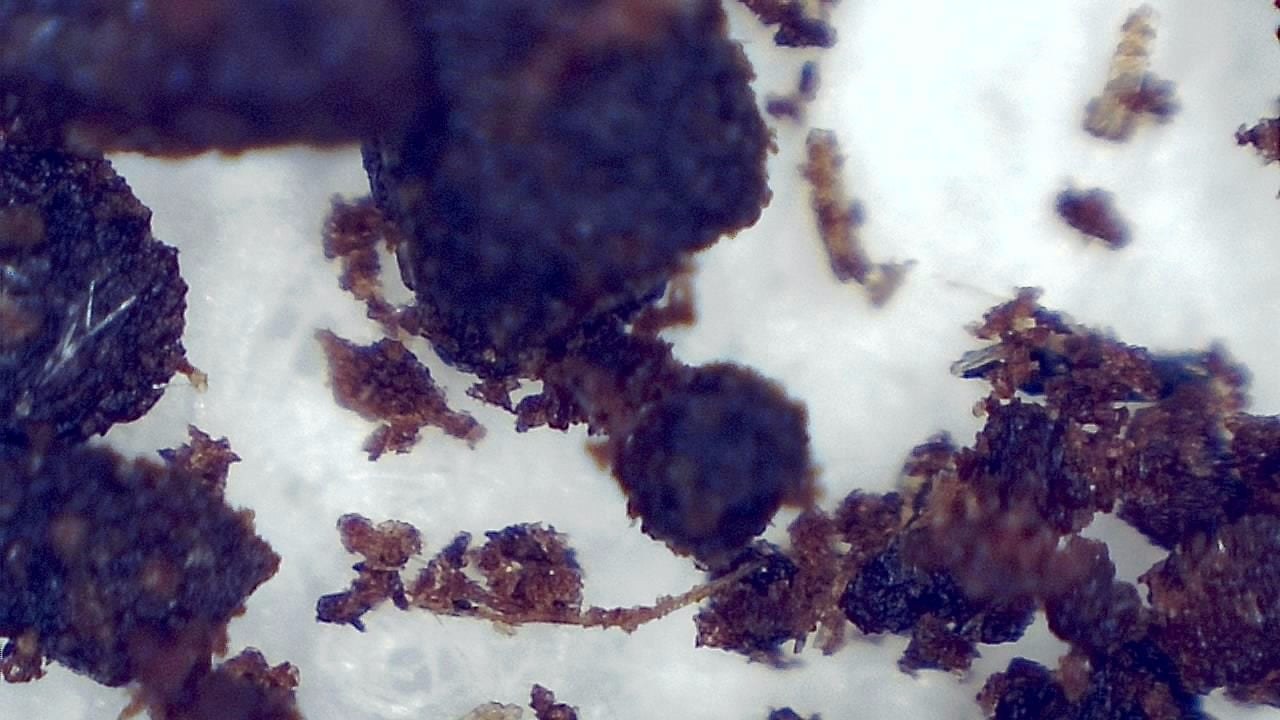
- Plant surfaces, paper fibers, textiles, insects, minerals, coins, printed dots, and electronic boards.
- Sample differences that students can document in lab reports.
- Live demonstrations on a classroom display when connected to the teaching computer.
Typical workflow
- 1Choose robust samples that are safe for repeated handling.
- 2Show the live image to the class and capture examples for comparison.
- 3Let students record observations, labels, and image notes.
- 4Use related activities for biology, geology, materials science, or quality control lessons.
Key benefits
- Affordable USB microscopy for educational centers
- Real-time projection for hands-on classes
- Student image capture for lab reports
- Compatible with Windows, Android, and Chromebooks
- Encourages STEM engagement through direct observation
Best for
- Secondary school STEM classes, universities, outreach, makerspaces, and teaching labs.
- Practical sessions where portability and image sharing are more important than oil-immersion microscopy.
Not ideal for
- Advanced histology or microbiology that requires a traditional compound microscope and specific lab preparation.
Image gallery
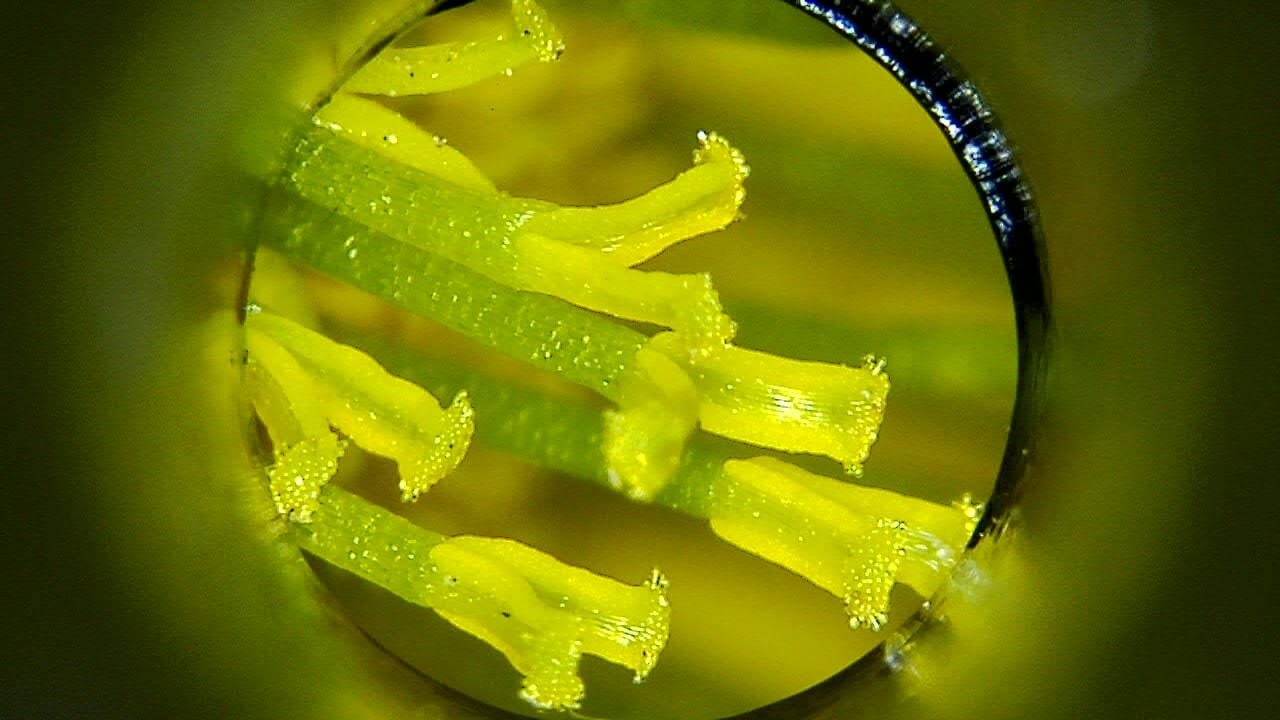
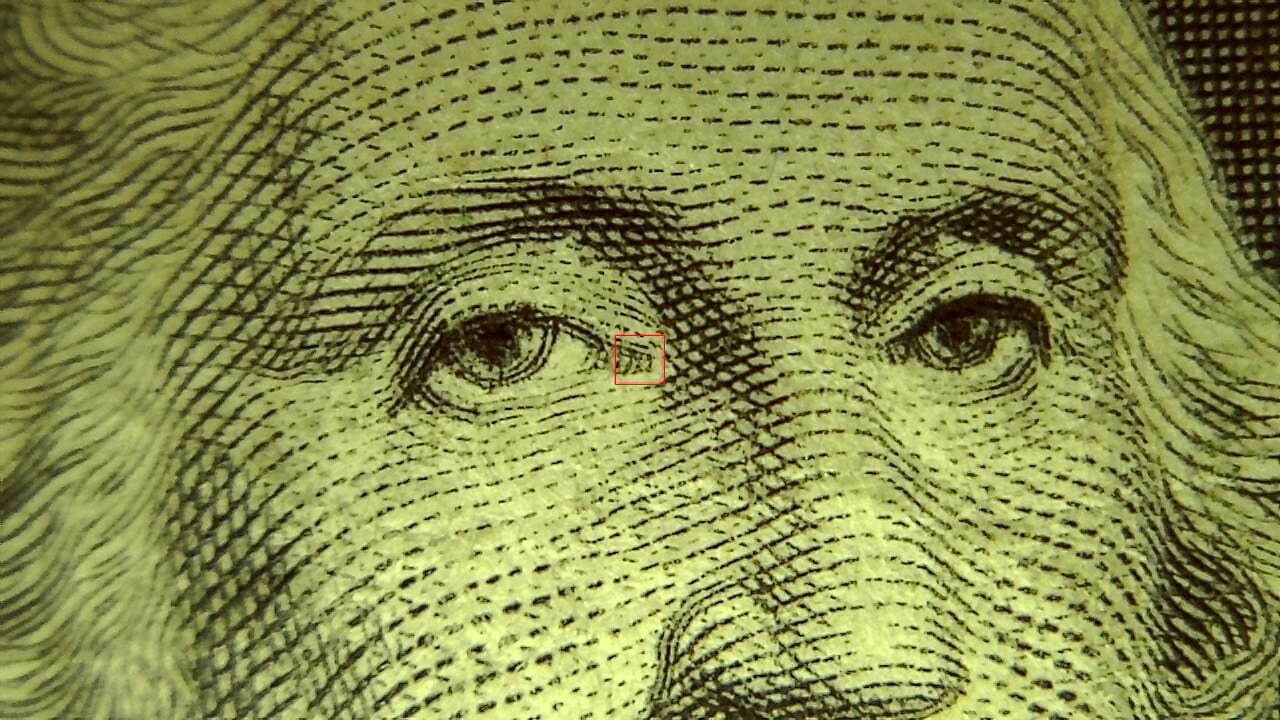
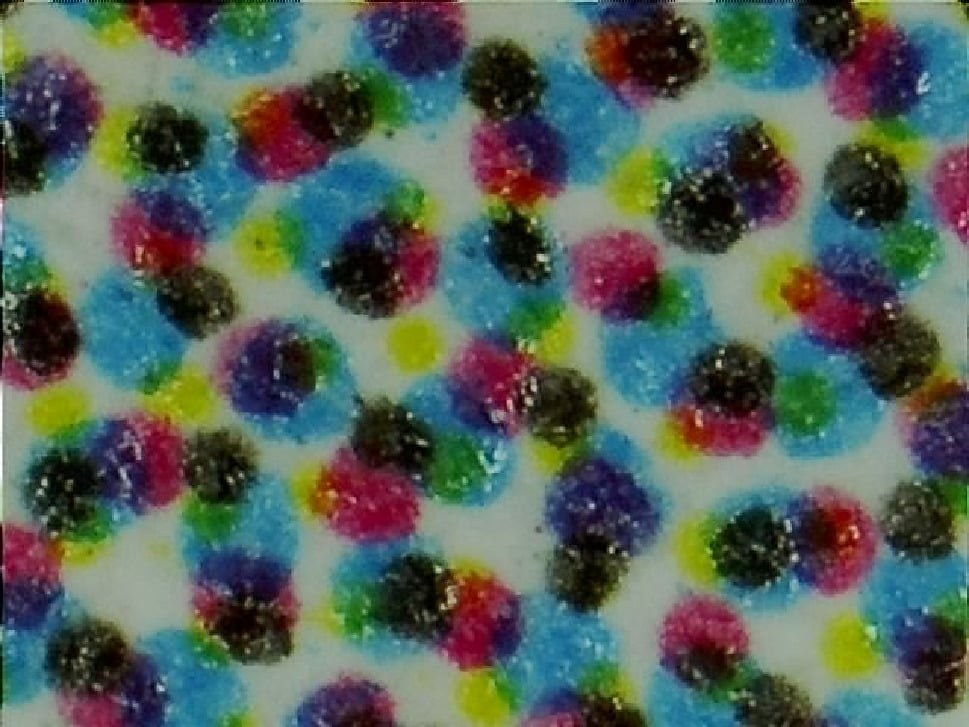
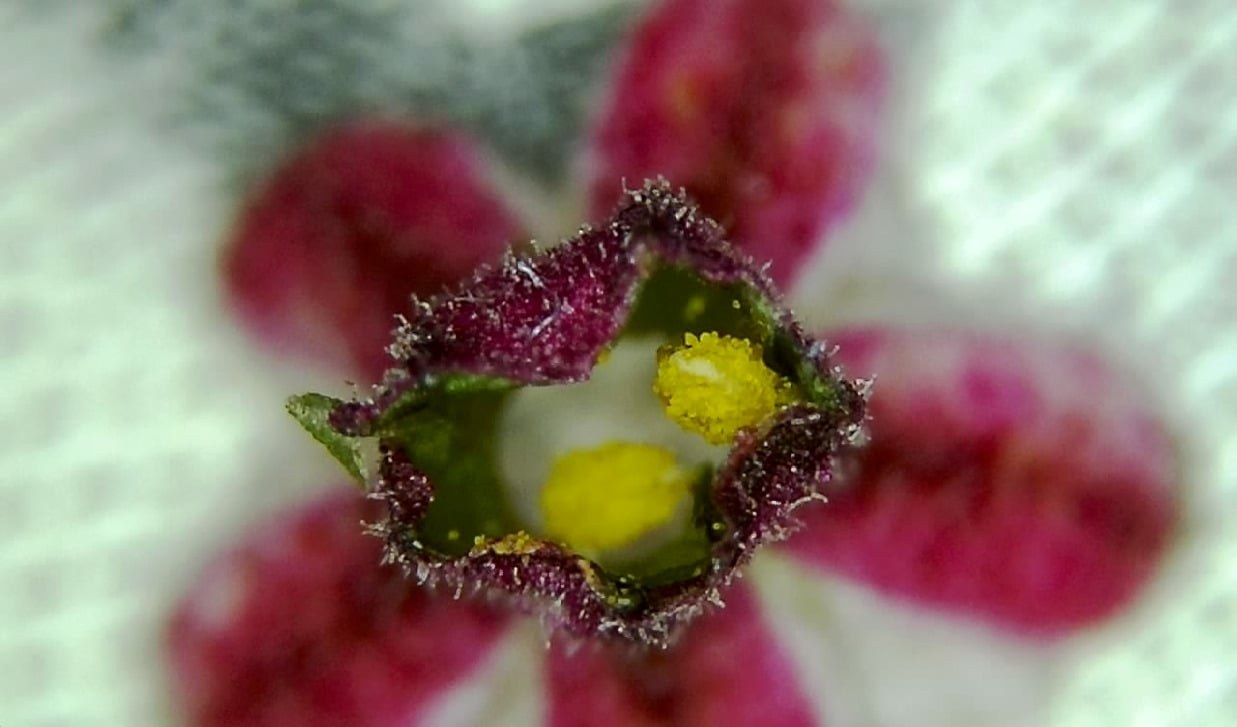
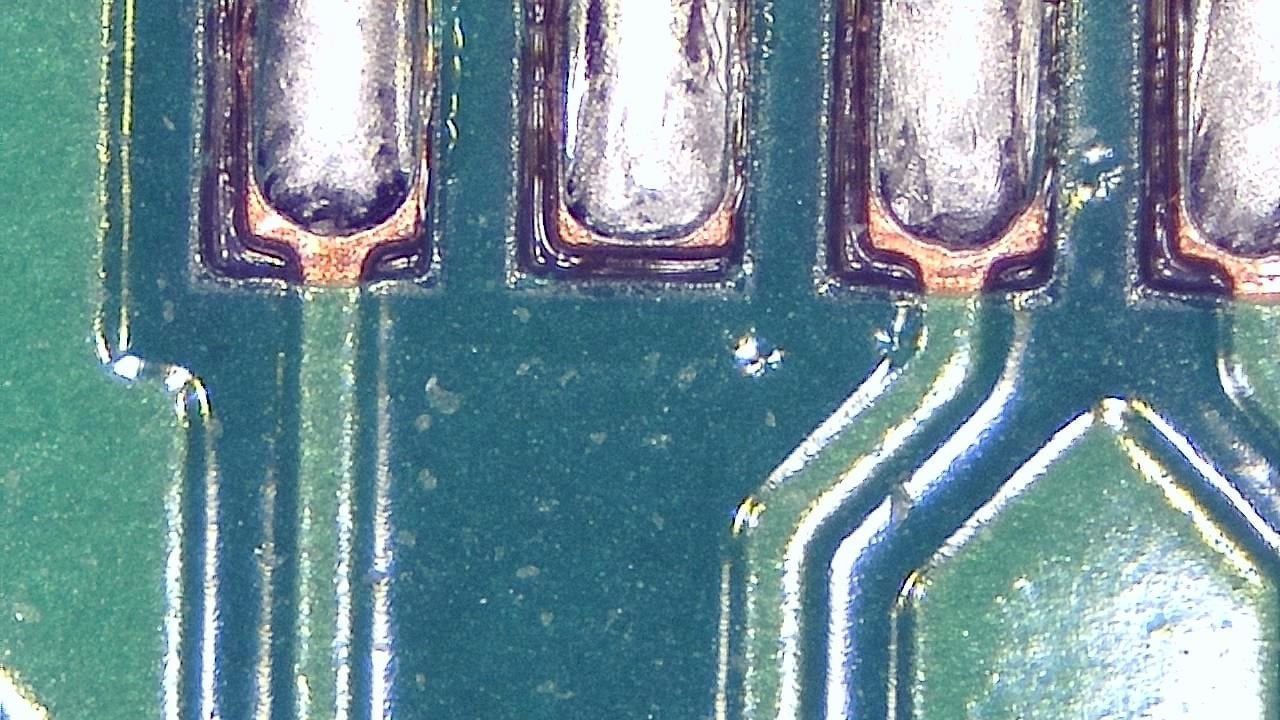
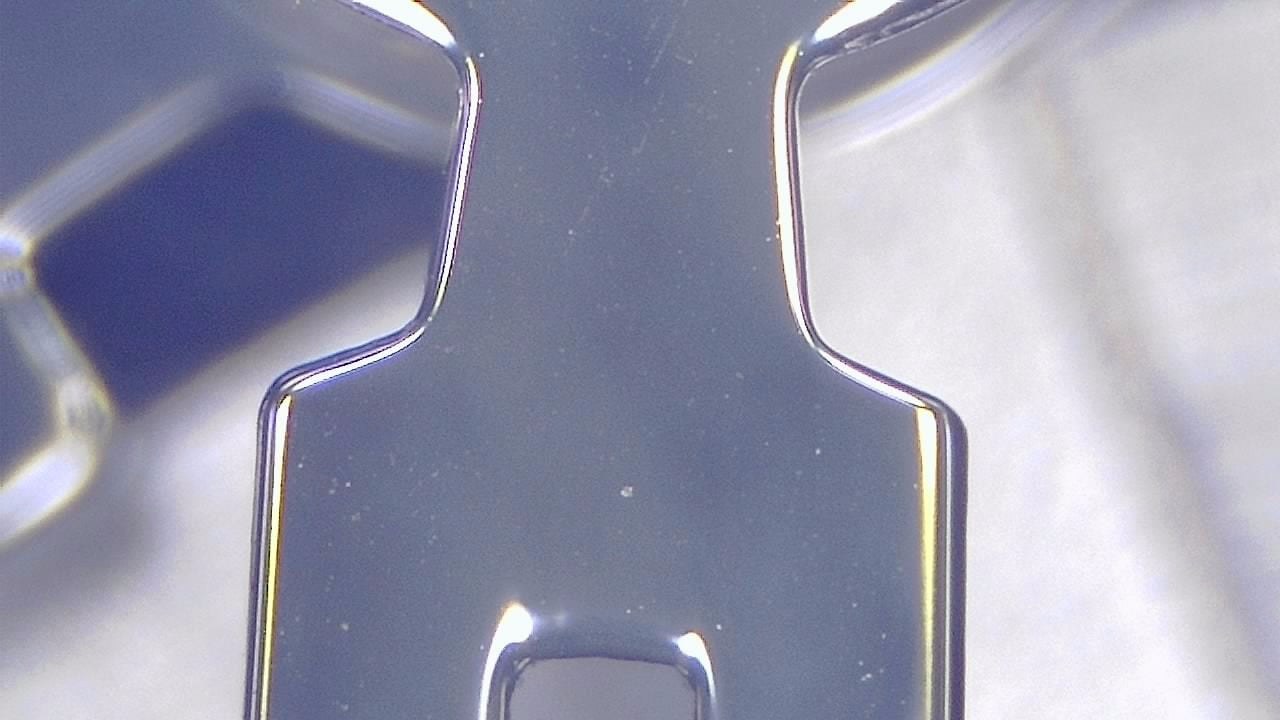
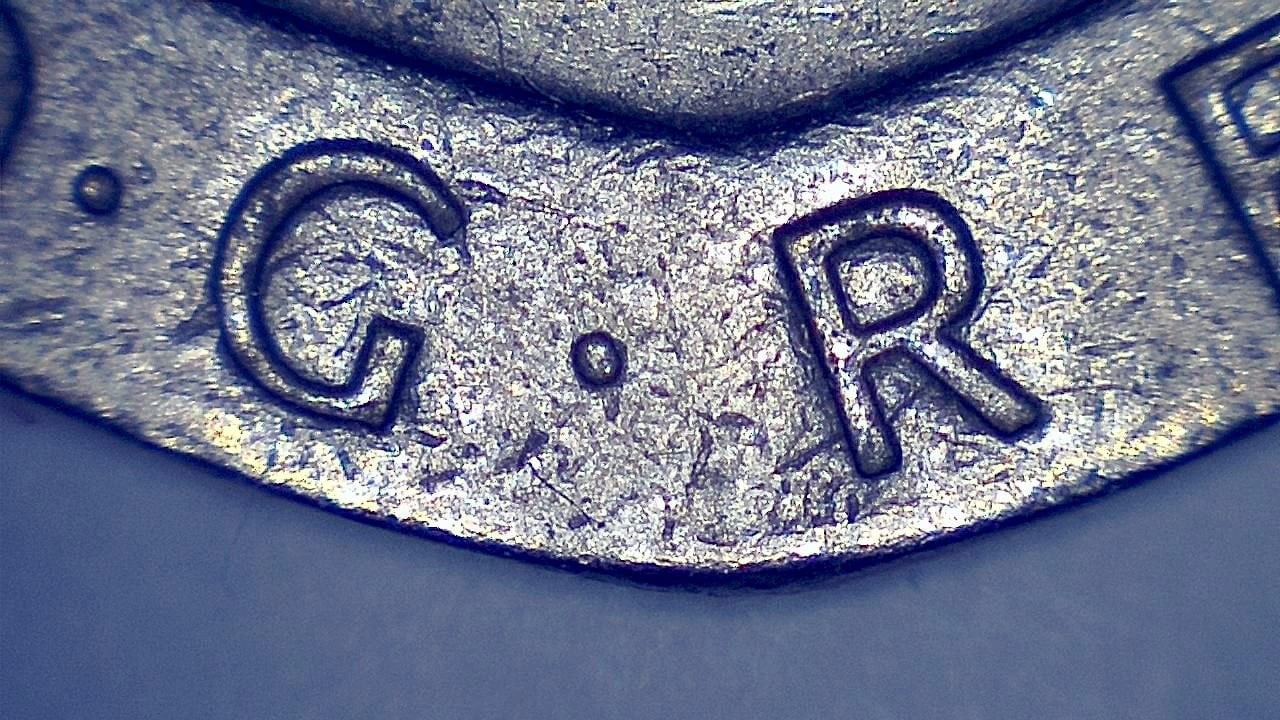
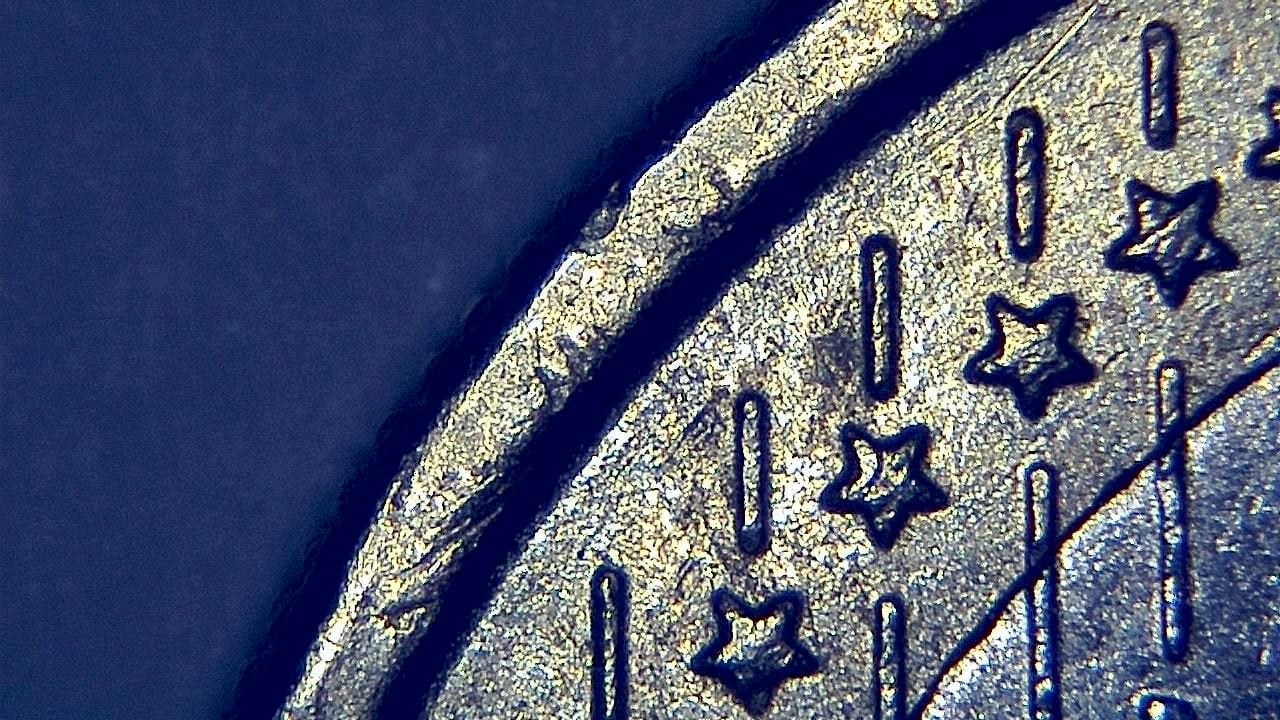
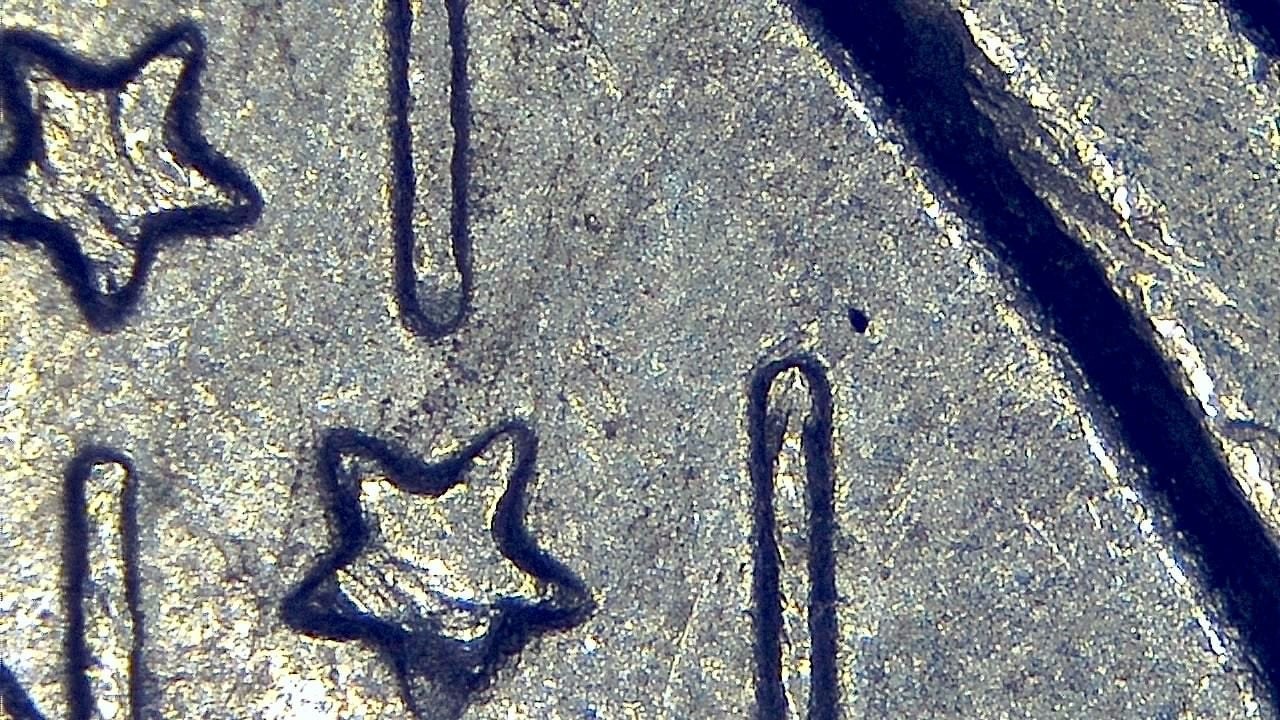
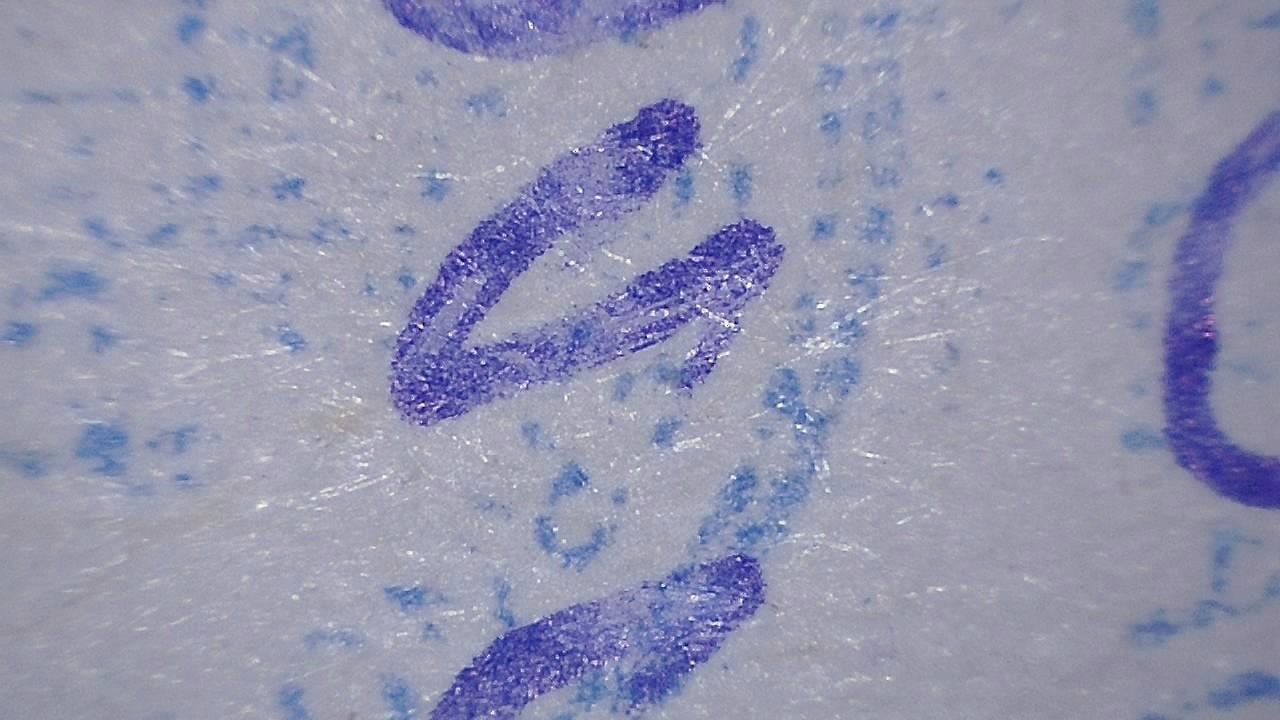
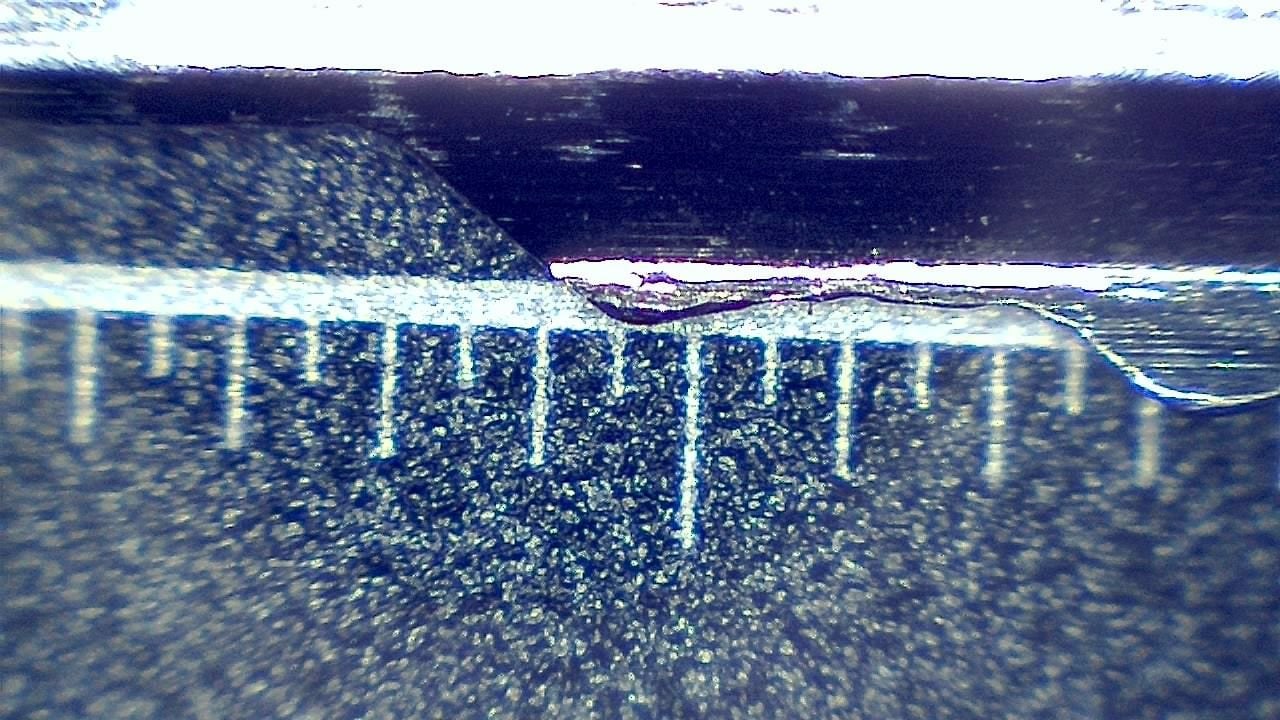
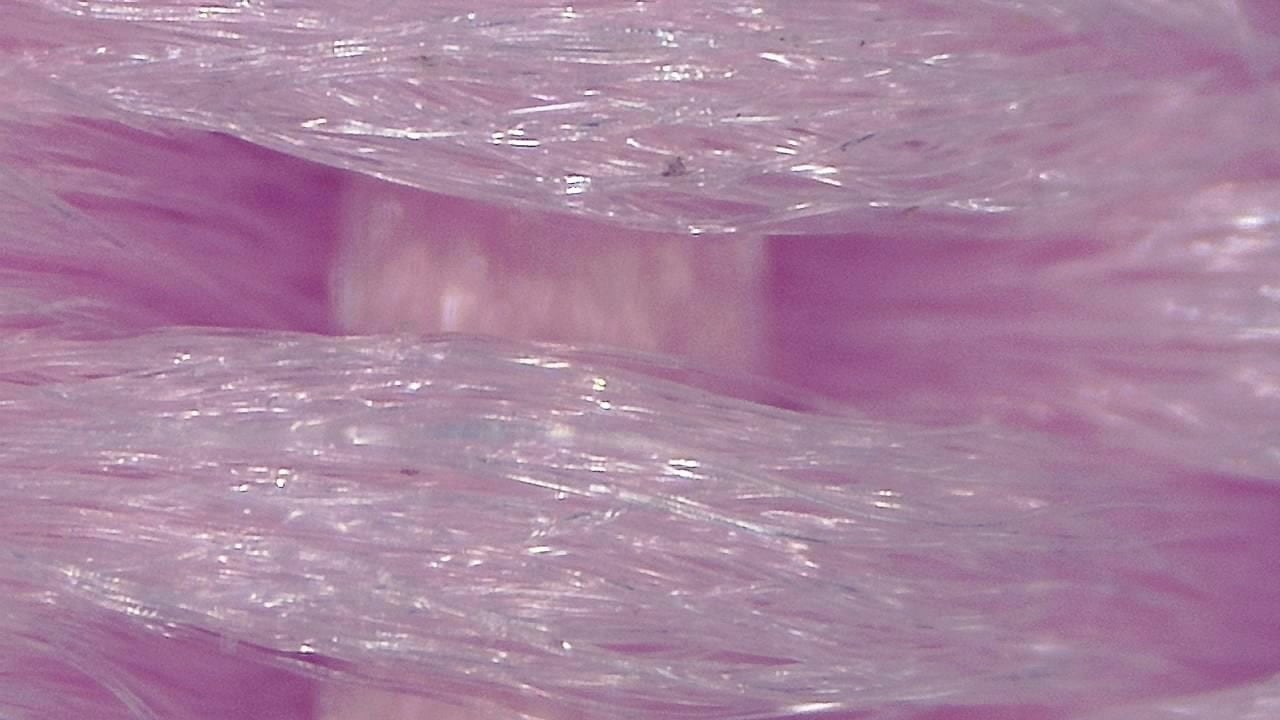
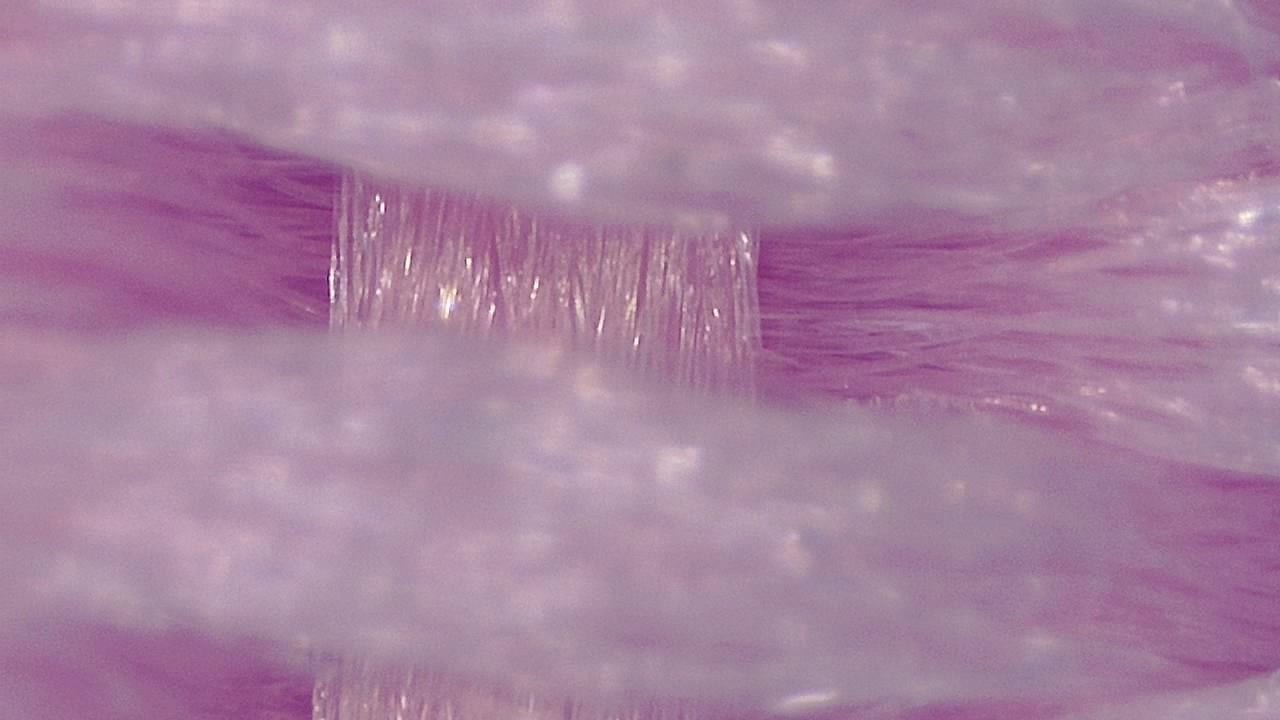
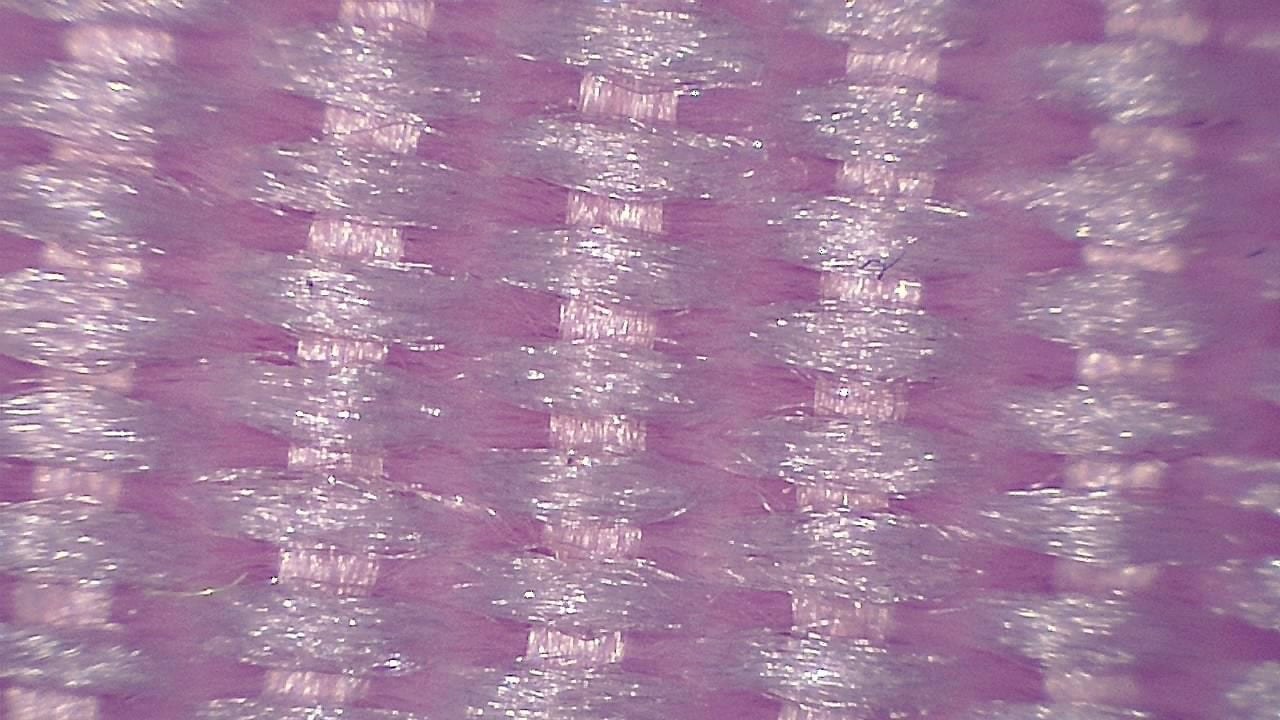
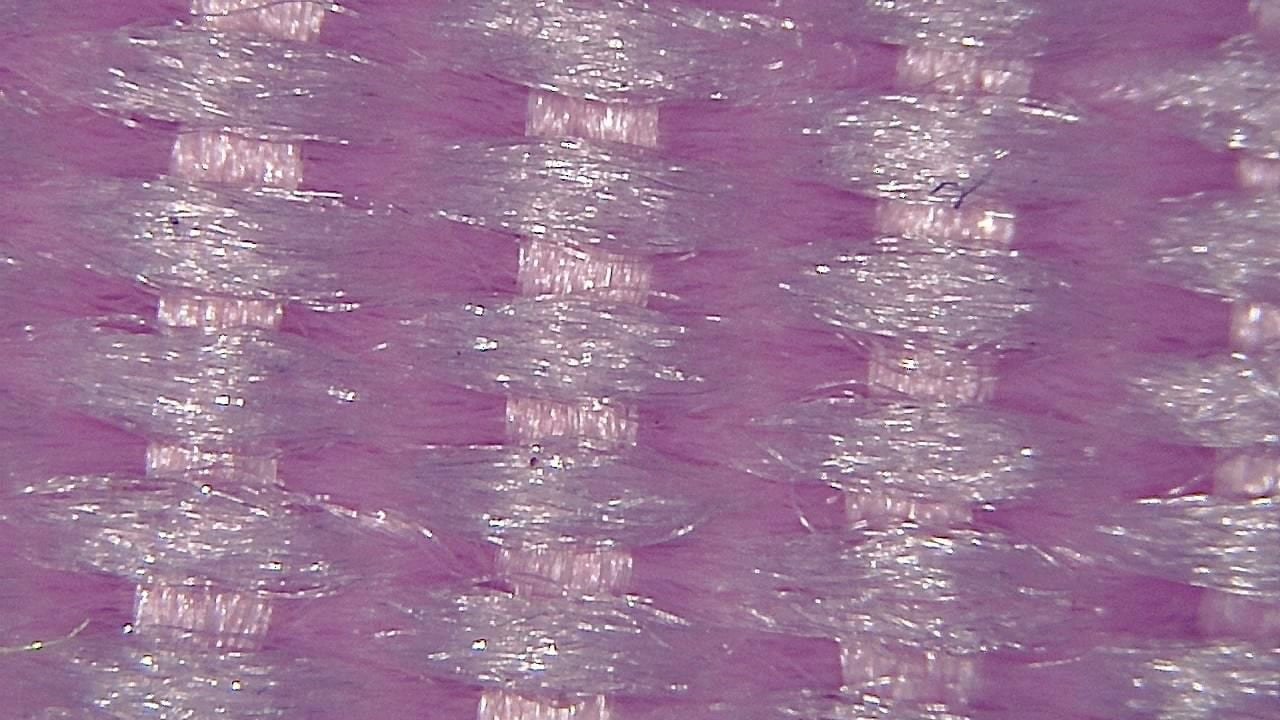
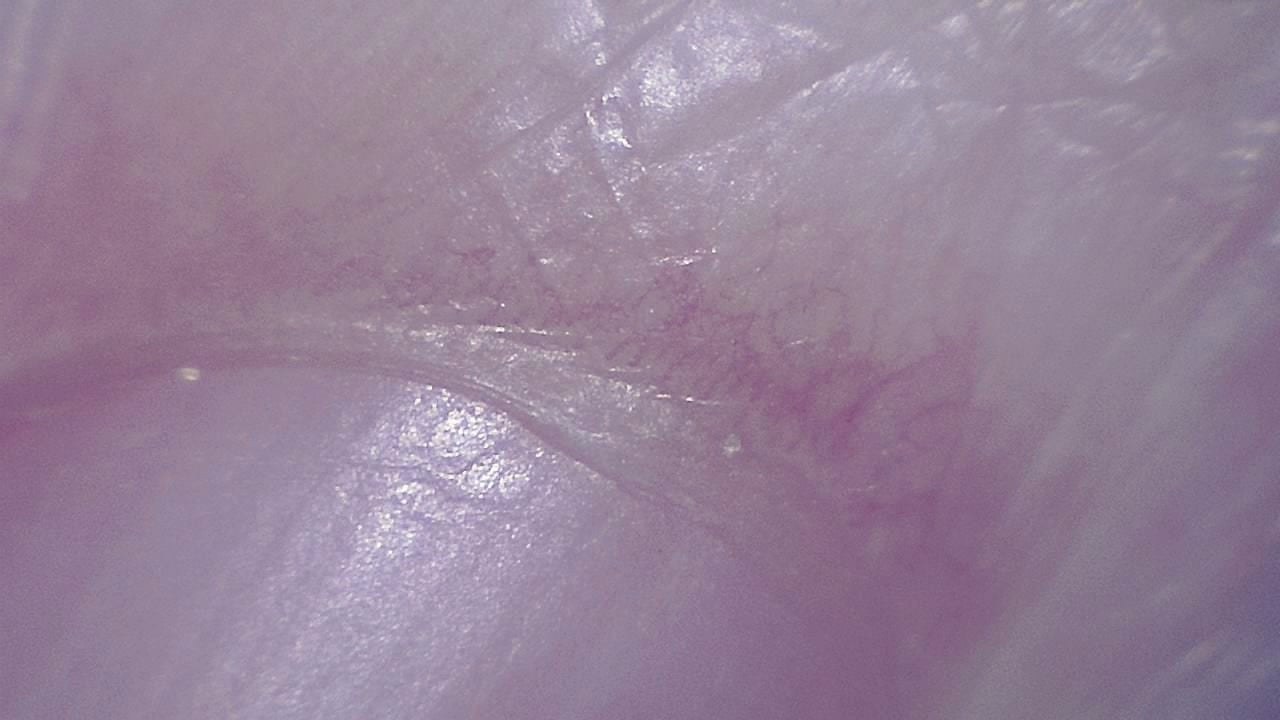
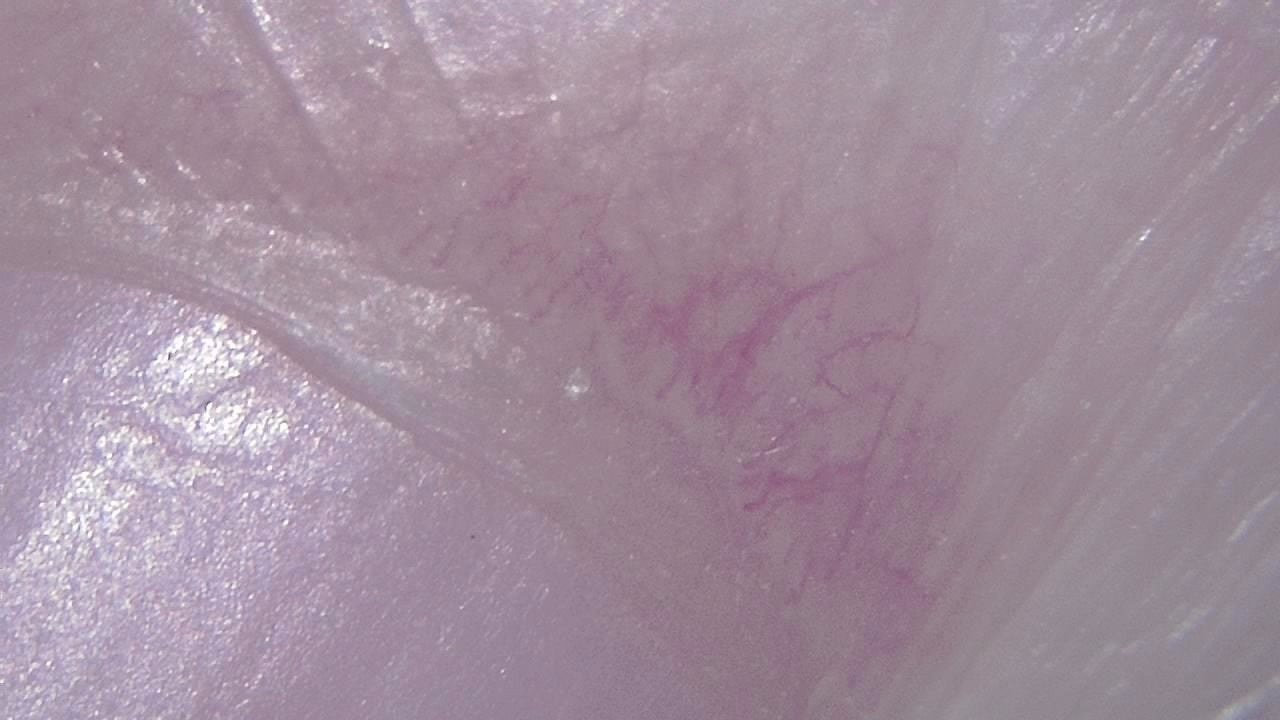
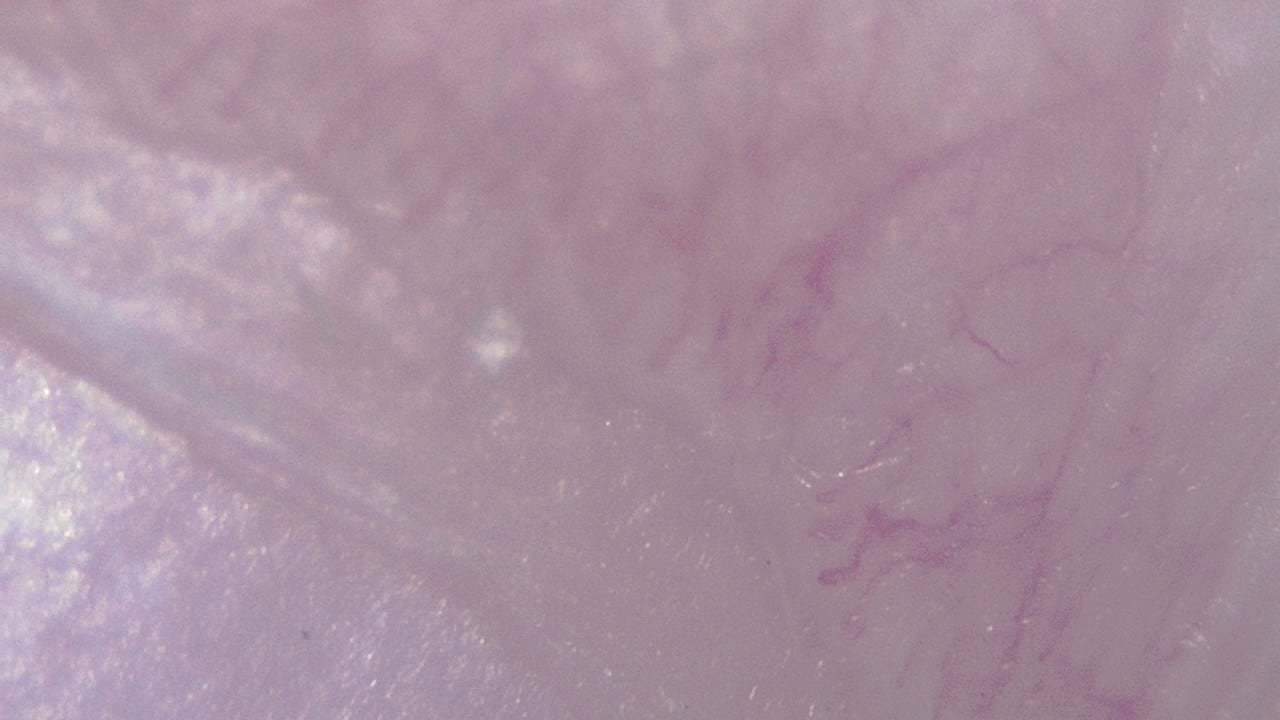
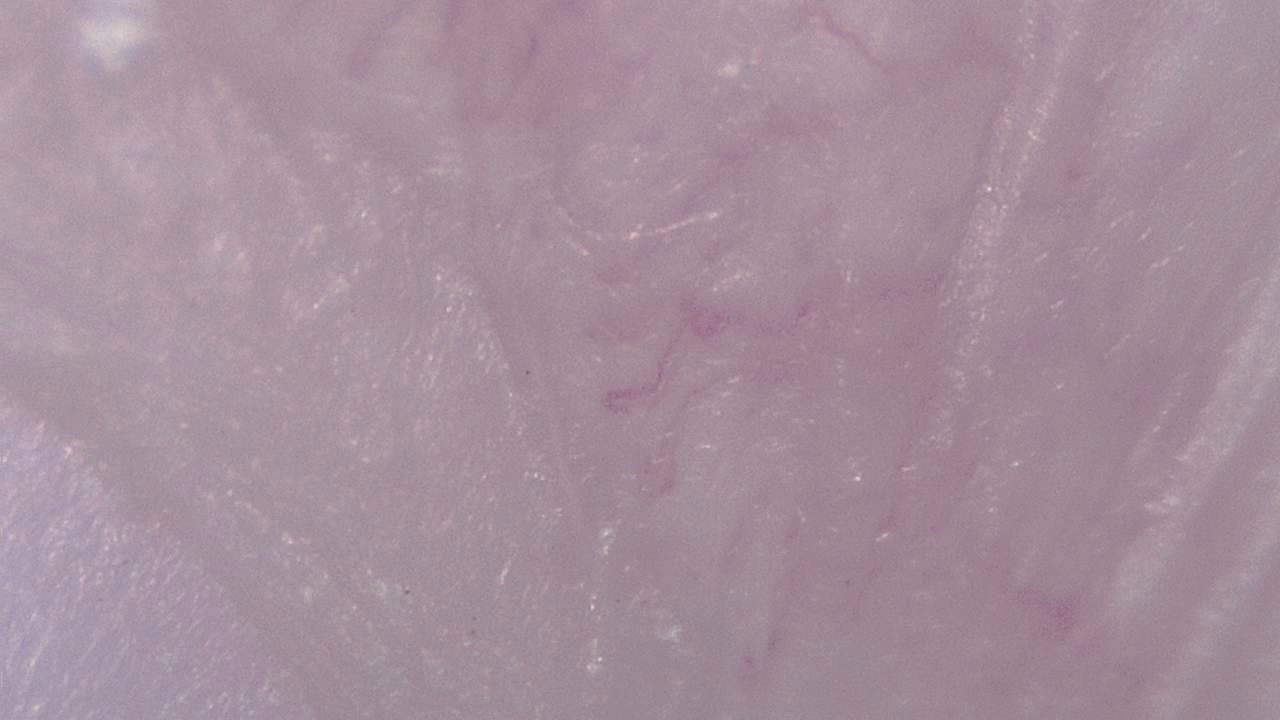

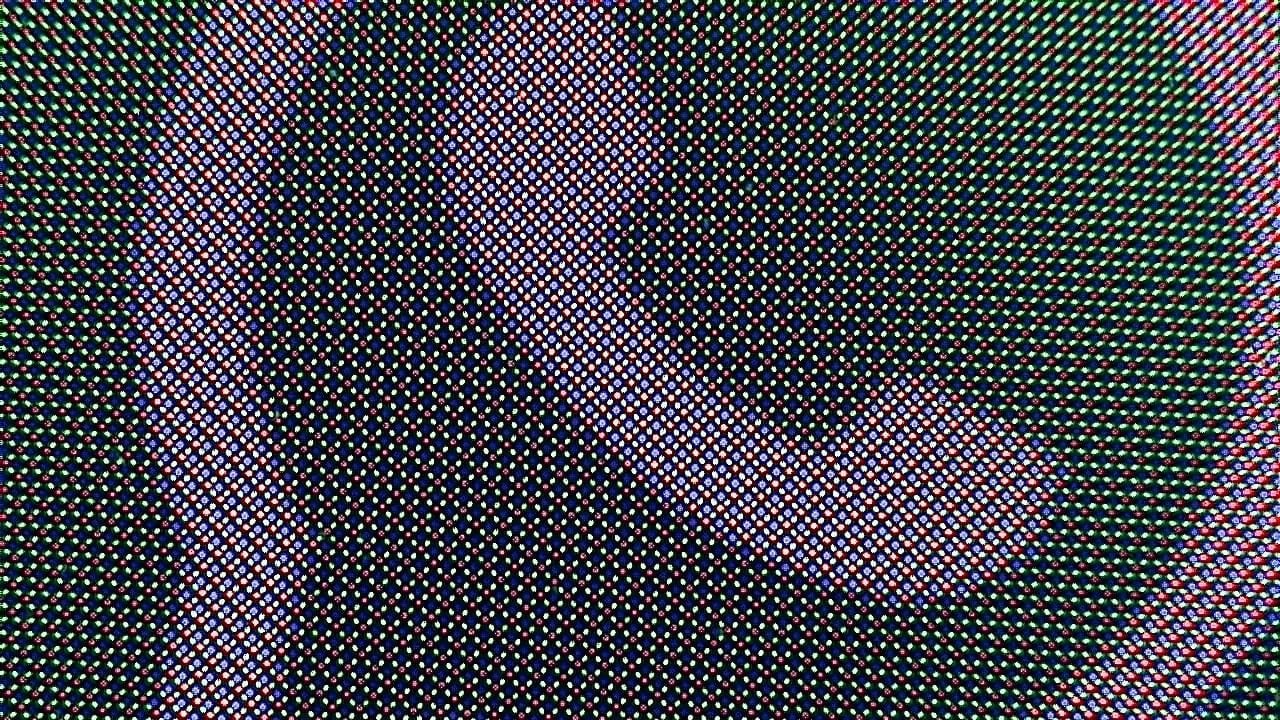
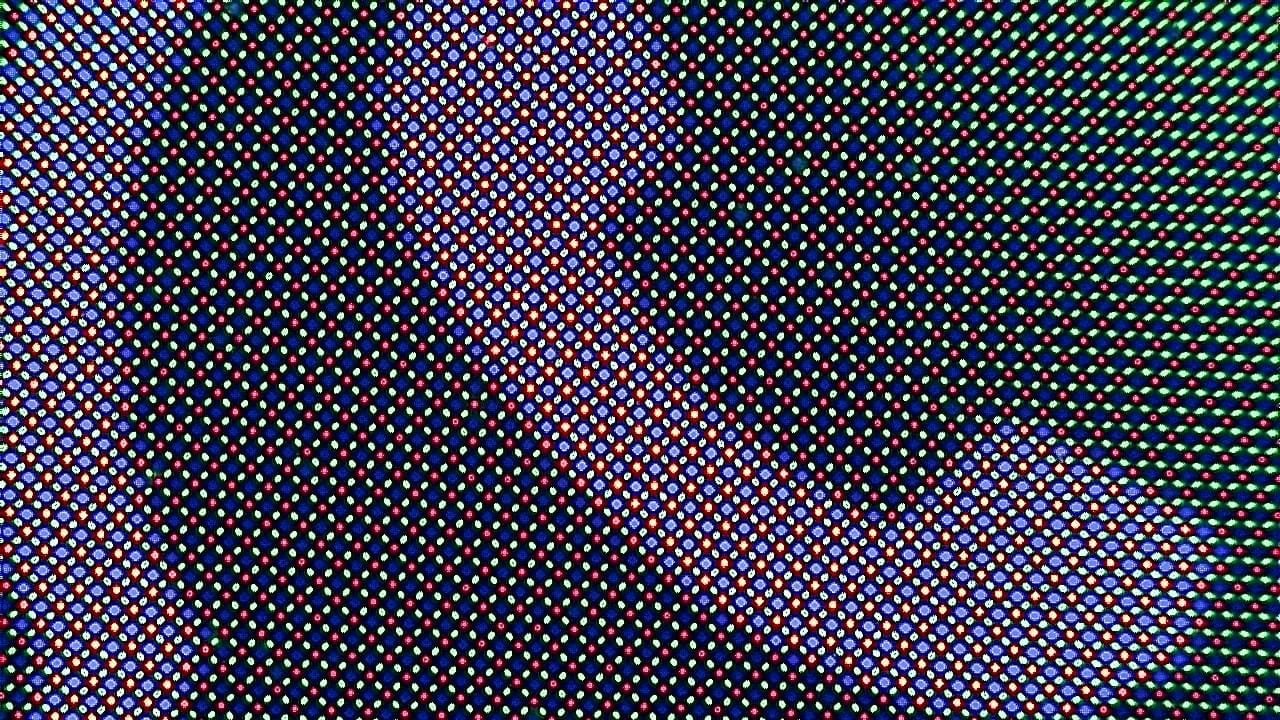

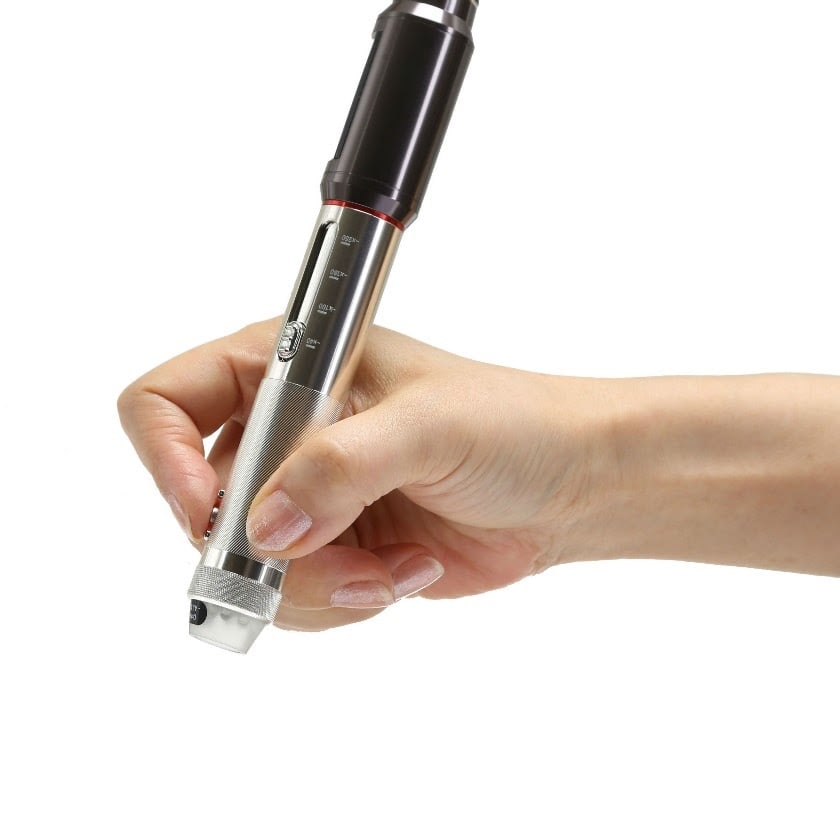
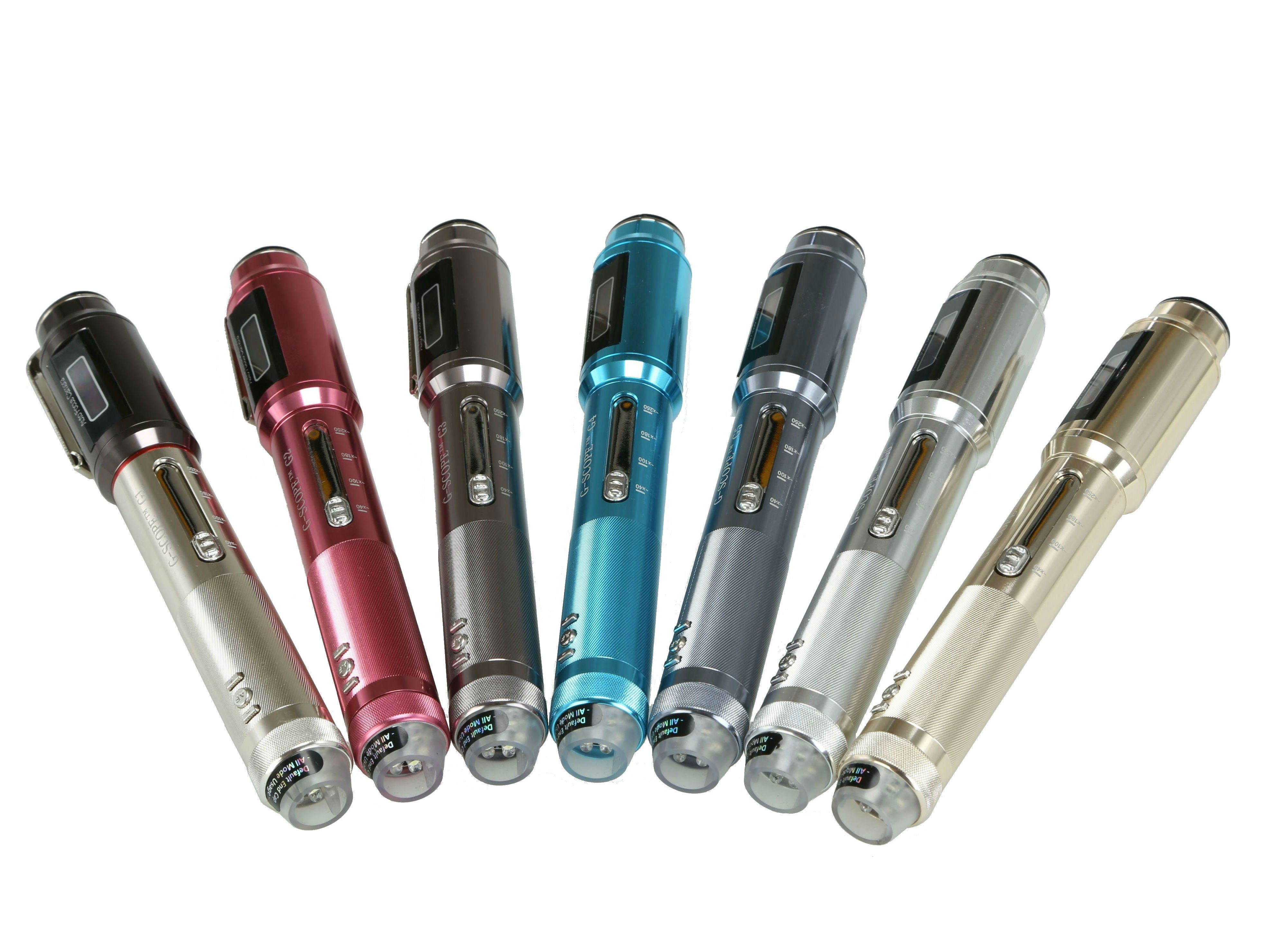
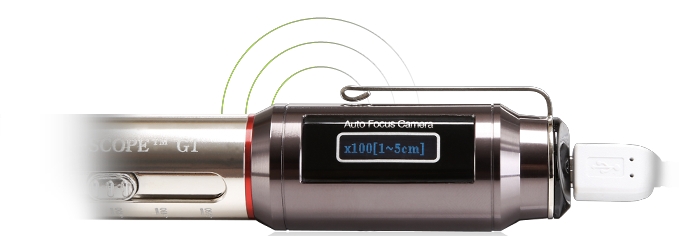
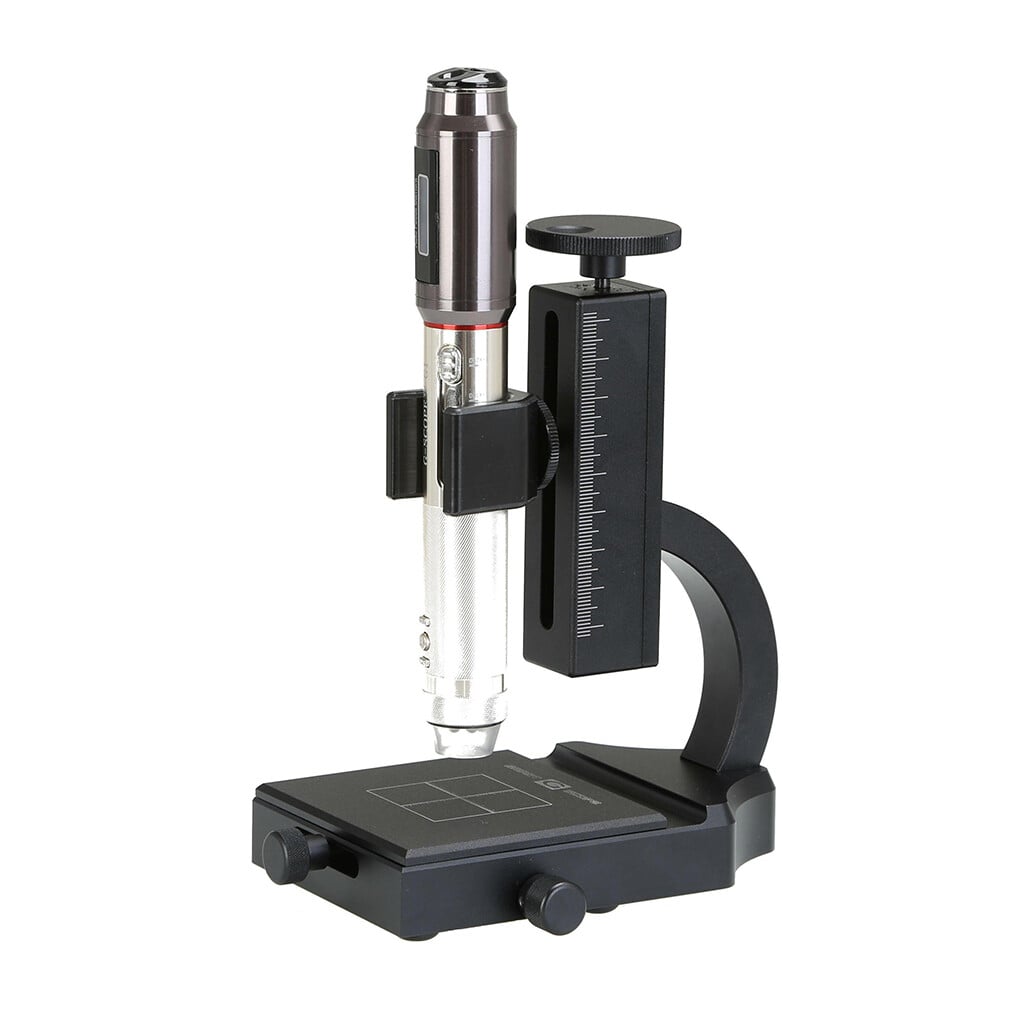
Click any image to enlarge
Practical examples
Secondary-school biology lab
A science teacher connects Smart G-Scope to a display to show larger plant structures, leaf surfaces, seeds, fibers, or other suitable specimens. Cellular work that needs transmitted light or greater optical resolution uses a compound microscope.
University materials project
Materials students document visible polished-surface features and compare preparation methods. Metallographic microstructure interpretation uses suitable preparation, illumination, calibration, and laboratory microscopy.
Limitations & best practices
- High-resolution scientific microscopy requires lab-grade equipment.
- Supervise use with younger students to prevent damage.
- Teach good sample preparation practices.
Frequently asked questions
Is Smart G-Scope suitable for classroom demonstrations?
Yes. It can show magnified images on a connected computer or compatible device, making it useful for group demonstrations and student reports.
What activities work well in class?
Common activities include plant surfaces, fibers, minerals, printed materials, electronics, coins, and 3D print surfaces.