Specifications
Technical data
Complete technical information about Smart G-Scope for professionals and integrators.
Magnification modes and working distances
Choose an optical mode, position the microscope within its working range, then focus. The 40×, 100×, 180× and 250× labels describe the maximum magnification of each mode, not a fixed magnification at every distance.
Working distance is measured from the tip of the end cap to the object, not from the microscope body or the stand.
| Optical mode | Working distance | How to position the microscope |
|---|---|---|
| 40× | 3 cm to infinity The lowest magnification mode and the longest working range. Keep the end-cap tip at least 3 cm from the object. | |
| 100× | 1–4.5 cm Inspect without touching the object. Keep the end-cap tip between 1 and 4.5 cm away. | |
| 180× | Contact to 1.7 cm For close inspection: place the end cap in contact with the object or up to 1.7 cm above it. | |
| 250× | Contact to 0.8 cm The highest magnification mode: place the end cap in contact with the object or up to 0.8 cm above it. |
Focusing range and automatic measurement are different. G-Scope Desktop checks whether the current focus is within the manufacturer-calibrated interval. Use the calibrated image scale for measurements; if automatic calibration is unavailable, use a correctly prepared manual calibration with digital zoom off.
Capillaroscopy uses a separate 250× capillary mode with the dedicated capillary end cap in contact with the sample. That end cap is not part of the standard package.
Optics
- Magnification
- 40x, 100x, 180x and 250x
- Working distance
- Depends on the optical mode; see the working-distance table above.
- Lens
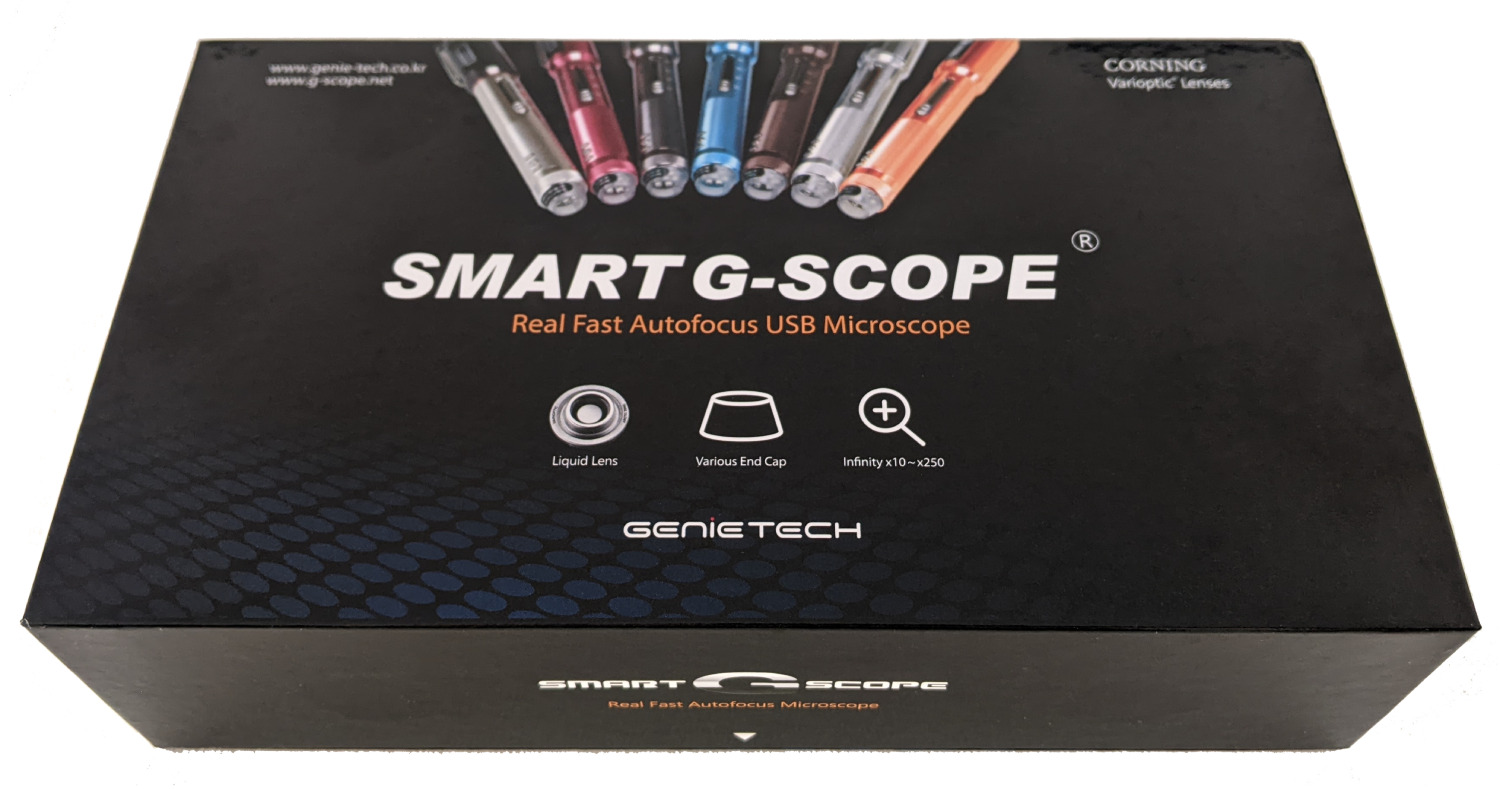
- Corning® Varioptic® “liquid” lens
- Lens benefits
- Fast, wear-free, robust and precise
- Focus
- Fast autofocus (device button or remote control)
- Focus mode
- Auto Focus and Manual Focus
Image sensor
- Sensor type
- 1/3" CMOS 3.5 megapixels
- Video recording
- AVI, 1920×1080, 1280×720, 720×480, 640×480 @ 30fps
- Photo capture
- JPG, 1920×1080, 1280×720, 720×480, 640×480
- Exposure
- Automatic
- Color control
- Auto white balance
Illumination and OLED
- Illumination
- White LED with on/off control
- OLED display
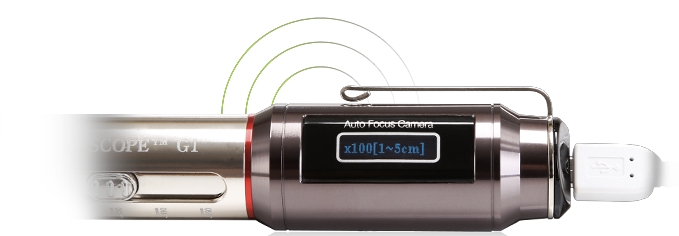
- Shows magnification on the display (and temperature with an optional head)
- OLED characteristics
- High luminance, visible in clinical environments
Interface and software
- Connection interface
- High-speed USB 2.0 (UVC)
- Compatibility
- Windows 7, Windows 8, Windows 10, Windows 11, Mac OS, Linux, Android
- Remote control
- Infrared remote control
- Image processing
- Emboss, sketch, grayscale, negative, digital zoom, etc.
- Power
- USB-powered, no battery required
Physical characteristics
- Device dimensions
- 175mm × 25mm (L × Ø)
- Case dimensions (G-Scope Box)
- 204mm × 120mm × 52mm
- Housing
- Aluminum alloy, portable design
- Stand
- Optional
- Heads
- Basic head + 3pi head (100x only, elongated and slim for gap observation) included. Other optional heads exist (e.g., for capillaroscopy).
Product parts
Different parts of the Smart G-Scope

Technical documentation
Downloadable resources for professionals
Do you have technical questions?
Our technical support team is available to answer questions about integration, compatibility, and specific applications.